







How to Maintain Your Custom Controller and Prevent Drift, Stick Drift and Joystick Issues on PS5 Controller and Xbox One
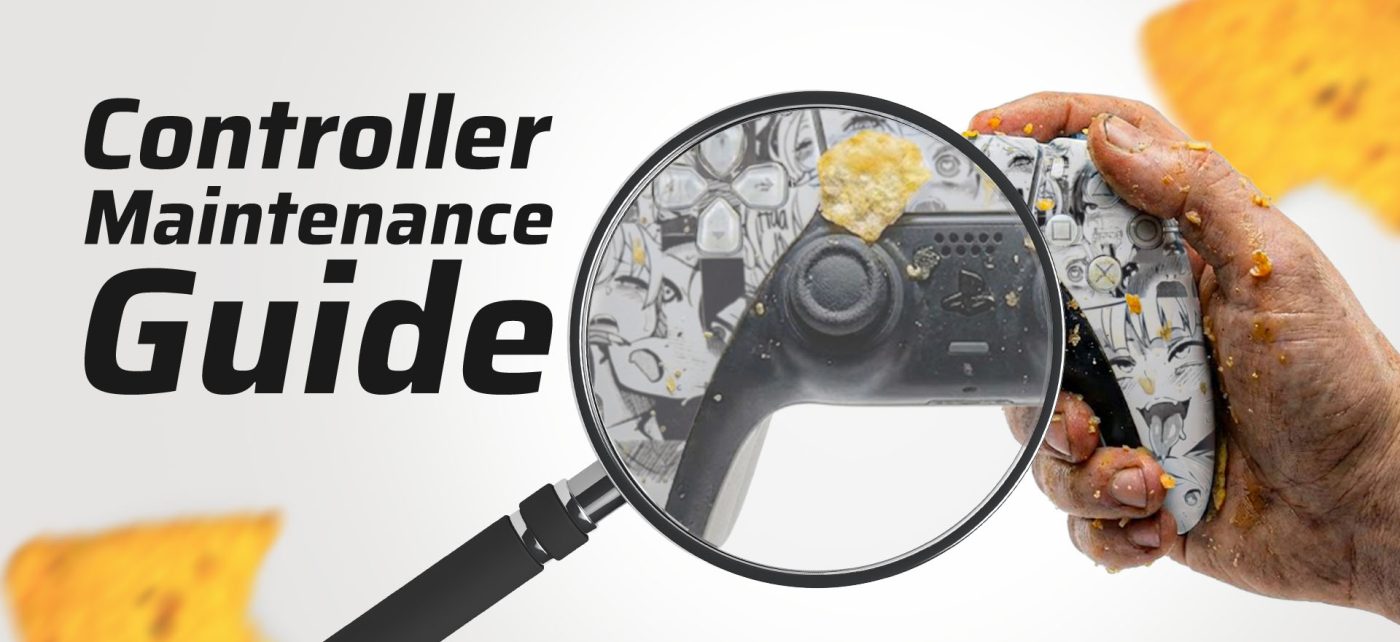
In today’s competitive gaming environment, a high-performance custom controller is essential. However, even the most advanced controller can suffer from drift, stick drift or joystick inaccuracies if it is not maintained correctly. For this reason, learning how to care for your controller is just as important as choosing the right one. Whether you use a PS5 controller, an Xbox One controller or a fully customised AimControllers build, long-term reliability depends on preventative care. Therefore, this guide explains how to fix drift, protect triggers, improve joystick accuracy and maintain controller performance over time. As a result, your gaming experience remains smooth, precise and frustration-free.
Above all, this article is worth reading because it helps controller users understand drift causes, avoid common mistakes and know exactly when to fix a controller or seek professional help.
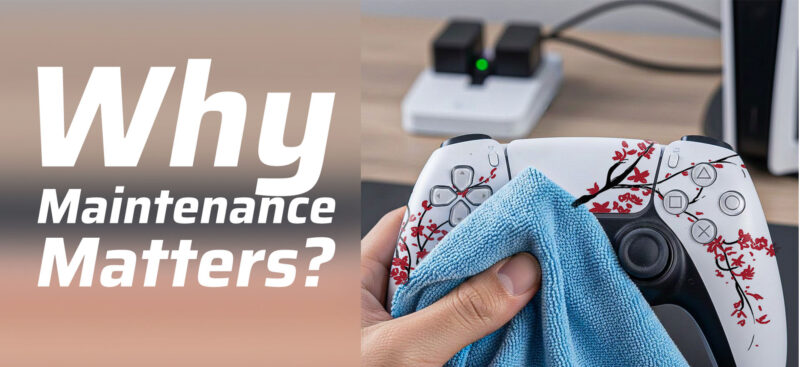
Why Does PS5 Controller Maintenance Matter for Drift and Stick Drift
To begin with, every controller relies on delicate internal components that translate physical input into digital movement. Over time, however, drift occurs when the joystick misreads the neutral position. As a result, the controller moves in-game without input, negatively affecting gameplay.
In addition, constant gaming puts pressure on the analogue sticks, triggers, and the joystick module. Without maintenance, deterioration becomes unavoidable. Consequently, controller lifespan shortens while responsiveness declines. Regular care helps maintain sensor precision and prevents early malfunction.
For this reason, AimControllers designs every controller with reinforced parts that reduce the risk of stick drift and extend usability across gaming consoles.
What Are the Causes of Stick Drift and Controller Joystick Drift
Understanding the causes of stick drift is essential if you want to fix the issue effectively. Most often, dust or debris enters the crevice around the joystick and settles inside the joystick housing. Over time, this contaminant interferes with the potentiometer and interrupts accuracy.
At the same time, physical wear on the side of the joystick gradually degrades internal contact points. Excessive pressure during gaming accelerates this process. As a result, joystick drift becomes a common problem among standard game controllers.
By contrast, AimControllers reduces controller joystick drift by using stronger joystick materials and improved internal alignment.
Cleaning Thumbsticks Safely to Prevent Drift Buildup
First of all, cleaning analogue sticks regularly is the most effective way to prevent drift buildup. Before starting, disconnect the controller from the console to avoid input errors. Next, use a dry swab to clean around the base of the thumbstick.
If deeper cleaning is needed, lightly dampen a swab with isopropyl alcohol. While rotating the joystick, gently clean inside the crevice to remove debris. In doing so, dirt inside the joystick is cleared without damaging internal components.
Most importantly, regular cleaning dramatically lowers the risk of stick drift and improves long-term performance.
How to Fix Drift Early and Avoid Custom Controller Malfunction
As soon as drift appears, action should be taken immediately. In many cases, recalibration through console settings can fix drift by correcting offsets in joystick input. This process restores the neutral position and reduces dead zones.
However, if software calibration fails, opening up the controller may be required. This involves using a screwdriver to unscrew the shell and carefully access the module. Improper disassembly increases the risk of damage to the controller.
Although some users attempt to solder or perform desoldering on faulty connections, using a soldering iron without experience may worsen the malfunction. Therefore, early intervention often prevents the need for replacement.
Protecting Triggers From Excessive Pressure and Wear
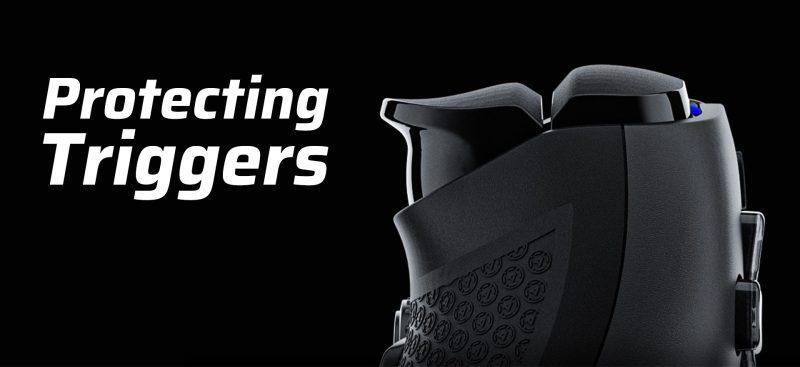
Similarly, triggers endure repeated stress during intense gaming sessions. Excessive pressure causes sensor wear and can make the triggers unresponsive over time. As a result, controller responsiveness and gameplay accuracy decline.
AimControllers integrates custom trigger solutions that reduce unnecessary travel while preserving durability. Nevertheless, improper habits still shorten trigger lifespan. Applying controlled pressure during use of the controller significantly improves long-term reliability.
Ultimately, protecting triggers is essential for maintaining a consistent gaming experience.
Grip Care and Preventing Surface Deterioration
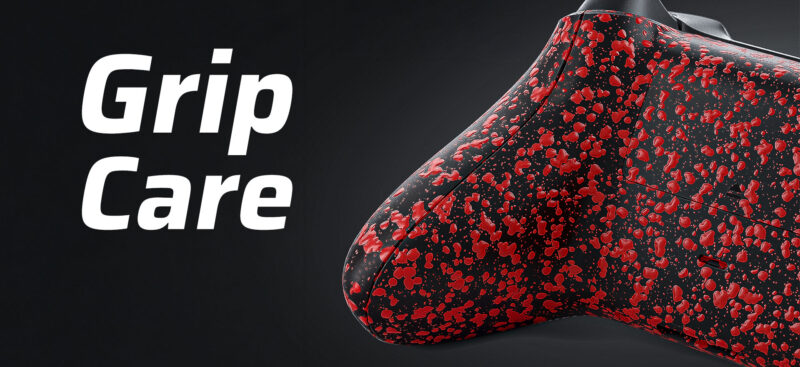
Beyond mechanics, grip care plays a major role in controller longevity. Sweat, oil and dust degrade grip texture and reduce control. Over time, this deterioration may indirectly cause drops and internal damage.
Regular cleaning with a dry cloth helps maintain grip integrity. Additionally, AimControllers applies specialised grip coatings that outperform standard PS4 and PS5 controller surfaces. As a result, comfort and reliability improve together.
Consequently, proper grip care enhances both performance and durability.
Storage Tips for Custom Controller Lifespan and Heat Protection
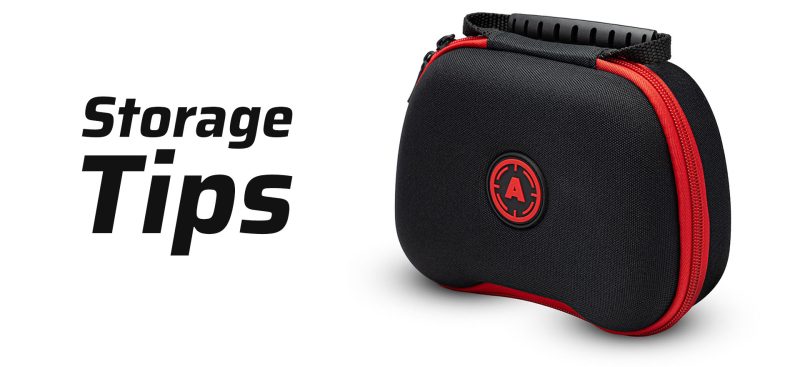
Surprisingly, poor storage habits often shorten controller lifespan. Excessive humidity corrodes internal components, while prolonged heat exposure affects sensor calibration and plastic housing.
Therefore, store your controller in a cool, dry place. When travelling, use protective cases to avoid impact and pressure damage. AimControllers cases are designed specifically to protect custom controllers during transport.
In the long run, careful storage reduces unexpected malfunction and preserves controller accuracy.
How Calibration and Firmware Improve Custom Controller Performance
In many situations, calibration provides a simple fix for drift issues. Consoles such as PlayStation 5, PS4 and Xbox One offer calibration tools that realign joystick input.
At the same time, firmware updates often resolve sensor interpretation errors. Updating firmware improves responsiveness and prevents software-related drift.
As a result, recalibration and firmware adjustments can fix a controller without requiring replacement parts.
Troubleshoot Common Issues Including Drift and Trigger Lag
Before problems escalate, it is essential to troubleshoot carefully. Drift is usually caused by debris or sensor wear. In contrast, sticky buttons typically result from dirt accumulation beneath the button membrane.
Trigger lag often indicates mechanical fatigue or outdated firmware. Continuing to force inputs during troubleshooting increases the risk of stick damage. Therefore, knowing when to stop is crucial.
Effective troubleshooting protects controller performance and avoids unnecessary damage.
When Replacement Parts or Repair Services Are the Best Fix
Eventually, cleaning and calibration may no longer restore functionality. At this point, replacement becomes necessary. Replacement parts such as a joystick module can restore precision once wear is permanent.
Improper repairs carry a high risk of further damage to the controller. For this reason, professional repair services are the safest option. AimControllers offers expert repairs using high-quality, compatible replacement parts.
In serious cases, it is always best to seek professional help.
Key Things to Remember
- Clean thumbsticks regularly to reduce drift
- Avoid excessive pressure on triggers
- Store the controller away from heat and humidity
- Use protective travel cases
- Calibrate joysticks when drift appears
- Fix the stick drift early to avoid permanent damage
- Choose reliable replacement parts when necessary
Upgrade Your Control With AimControllers
If you want to minimise drift, avoid repeated repairs and elevate your gaming experience, AimControllers is the smart choice. Built with premium sensors, reinforced modules and expert craftsmanship, every AimControllers controller is designed to outperform standard game controllers. Choose AimControllers and experience precision, durability and control that last.

Latest news
Best PS5 Controllers in 2026 – Ultimate Ranking of Pro & Custom PS5 Controllers
Best PS5 Controller 2026 – Introduction Are you looking for the best PS5 controller in [...]
Mar
How to Maintain Your Custom Controller to Prevent Drift, Stick Drift and Joystick Issues
How to Maintain Your Custom Controller and Prevent Drift, Stick Drift and Joystick Issues on [...]
Dec
Mastering the Custom Controller Setup for FPS Games
Master Optimising AimController for Competitive FPS Games – FPS Controller Setup Competitive Edge Ranked FPS [...]
Nov
Custom Controller Build for Racing and Fighting Games: PS5, PC & Xbox
Customising Controller for Racing & Fighting Games: Wireless Custom Controller Build, Design, and Style Racing [...]
Nov
Is a Customizable Game Controller Worth It?
Customisable Game Controllers in 2025: The Future of PC Gaming A controller is one of [...]
Oct
Best Controller Settings fo Battlefield 6: Best AimController Setup
The Best Controller Settings for Battlefield 6 BF 6 is set to redefine the first-person [...]
Oct
Key Gaming Trends of 2026
Key Gaming Trends of 2026 The gaming industry in 2026 is entering an age of [...]
Aug
How To Use a PS5 Controller on PC
How to Use the PS5 Controller on PC: A Complete Guide to Connect and Use [...]
Aug