
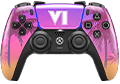





Spider Evo Pro Gaming Controller for PS5 & PC
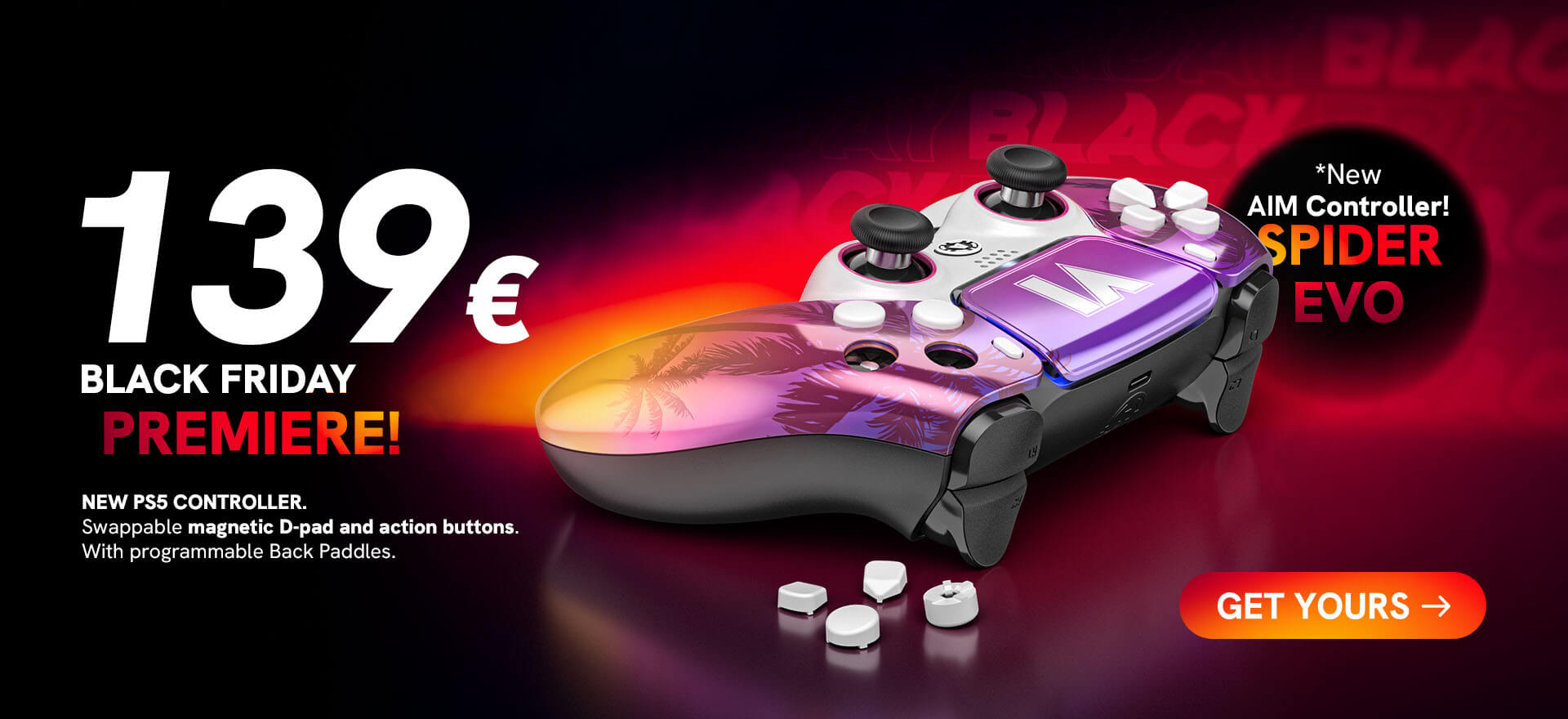
Four remappable back paddles, drift-resistant TMR sticks and mouse-click buttons. Every pro mod included for 139€.
PS5 and PC · Every design, same pro features · Two-year warranty
One controller, three ways to play
Shooters
Jump, crouch and reload on the back paddles while your thumb stays on the aiming stick. Set the triggers to a short click for faster follow-up shots.
Racing
Switch the triggers to full analogue travel to feather the brake into a corner and ease onto the throttle on the way out.
PS5 and PC
Use the same controller and the same paddle layout on your console and your PC.
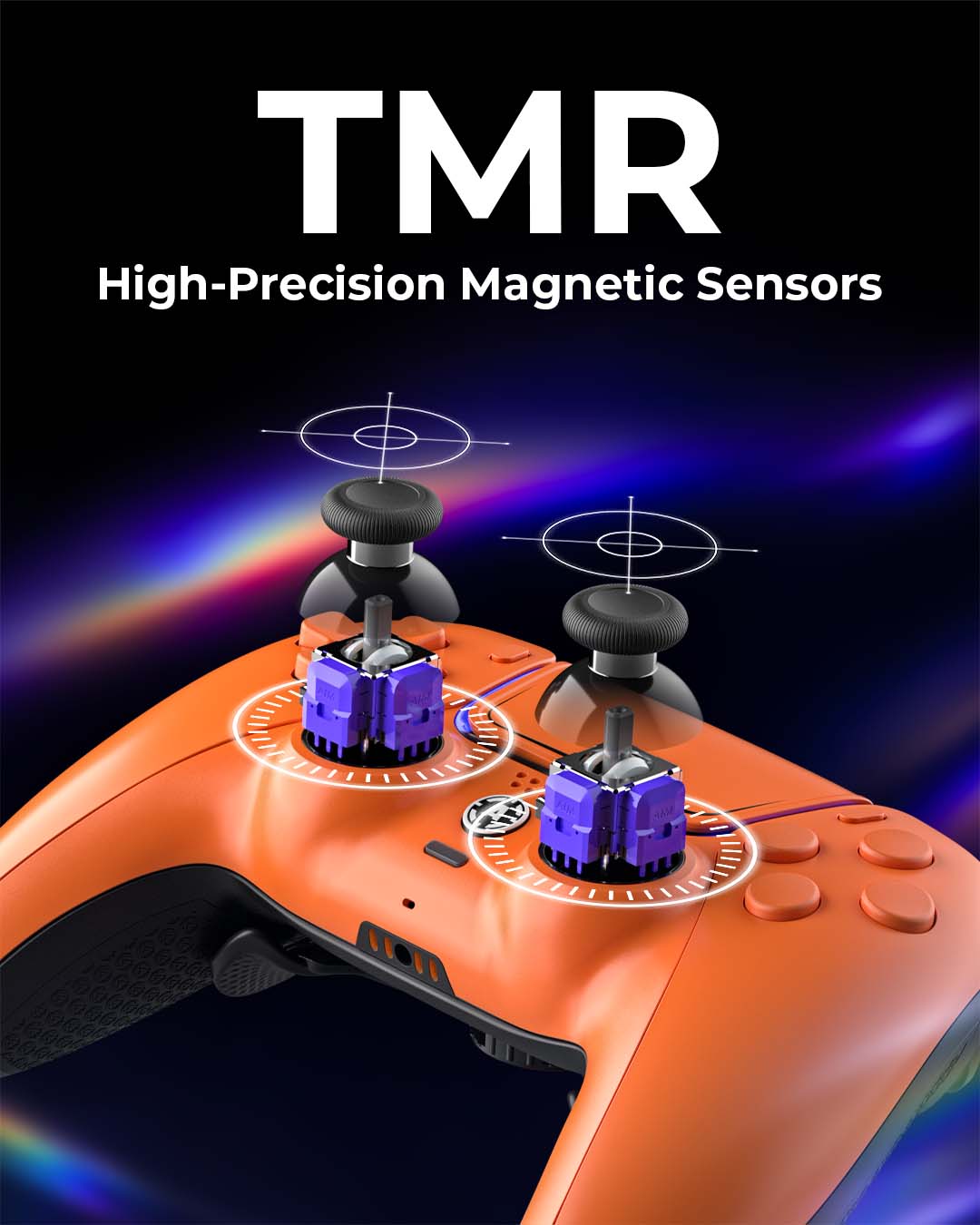
Next-Gen TMR sticks that resist drift
Developed specifically for AIM, these sticks track movement magnetically, eliminating drift caused by sensor contact wear.
In our circularity test, the left and right sticks each recorded just 0.7% average error around the outer edge.
Remappable Back Paddles
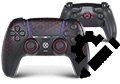
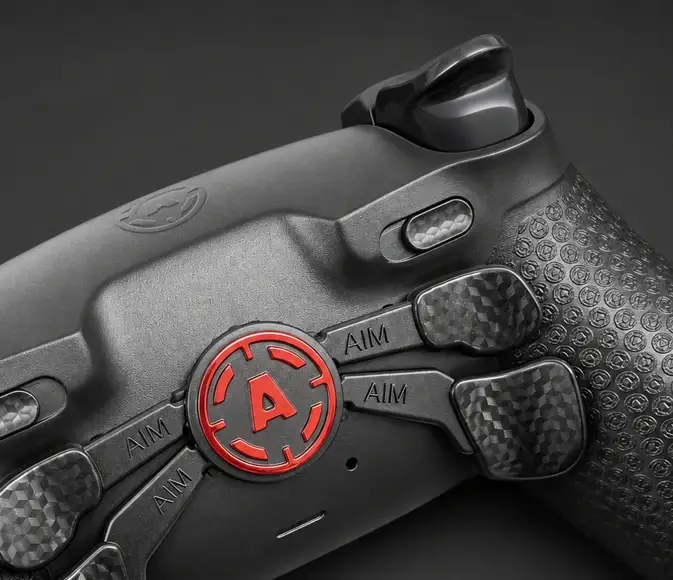
Four programmable Spider paddles bring the functions of the front buttons to the back of your controller.
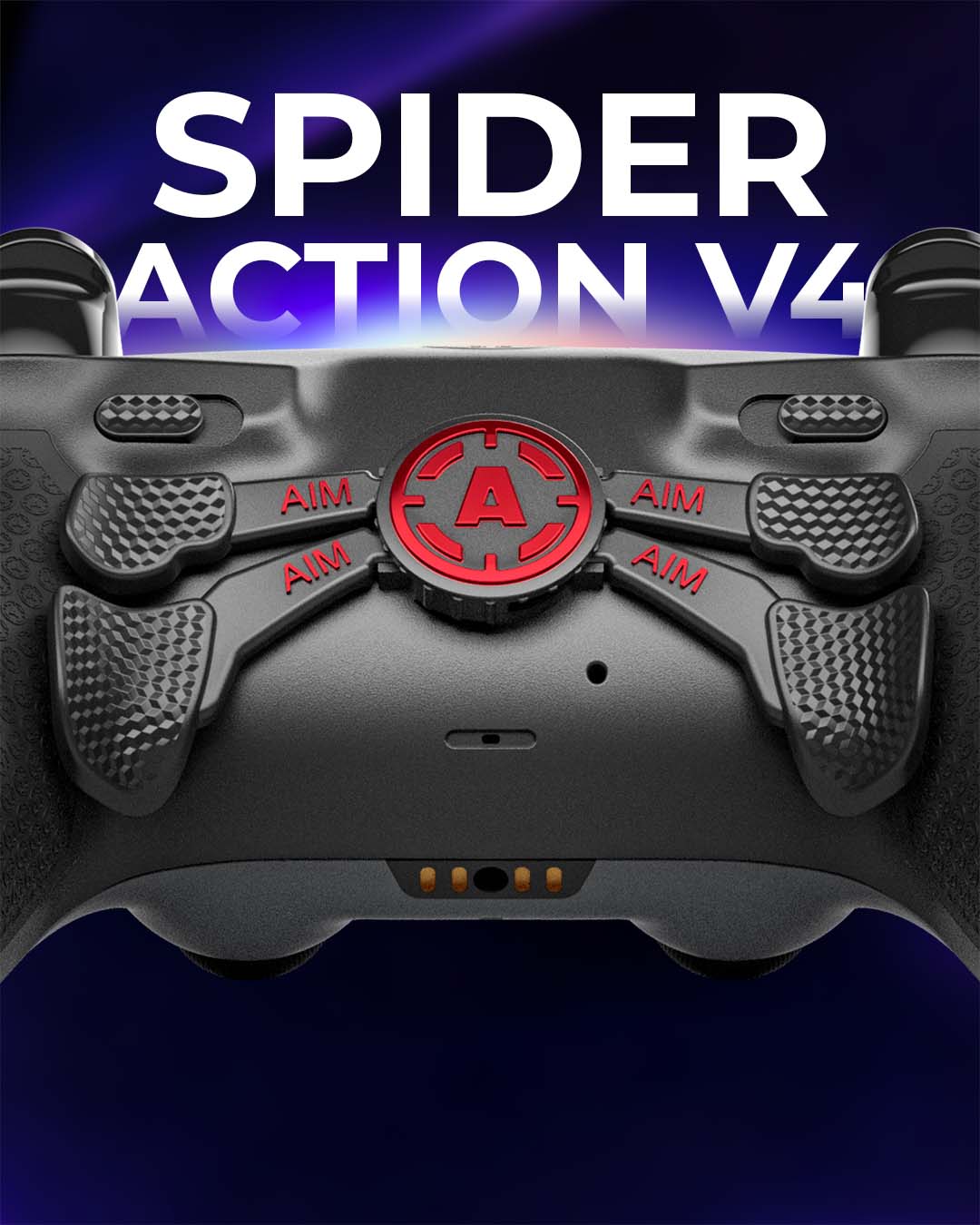
Rear paddles
Reach each paddle from your normal grip. Jump, crouch or reload while keeping your right thumb on the aiming stick.
Programmable inputs
Copy a face-button input to the paddle you want to use. Change one assignment or remap all four directly on Spider Evo.
Smart Bumpers
Smart Bumpers give L1 and R1 a short, crisp click. Each tap gives you tactile feedback as you cycle equipment or use a shoulder-button action.
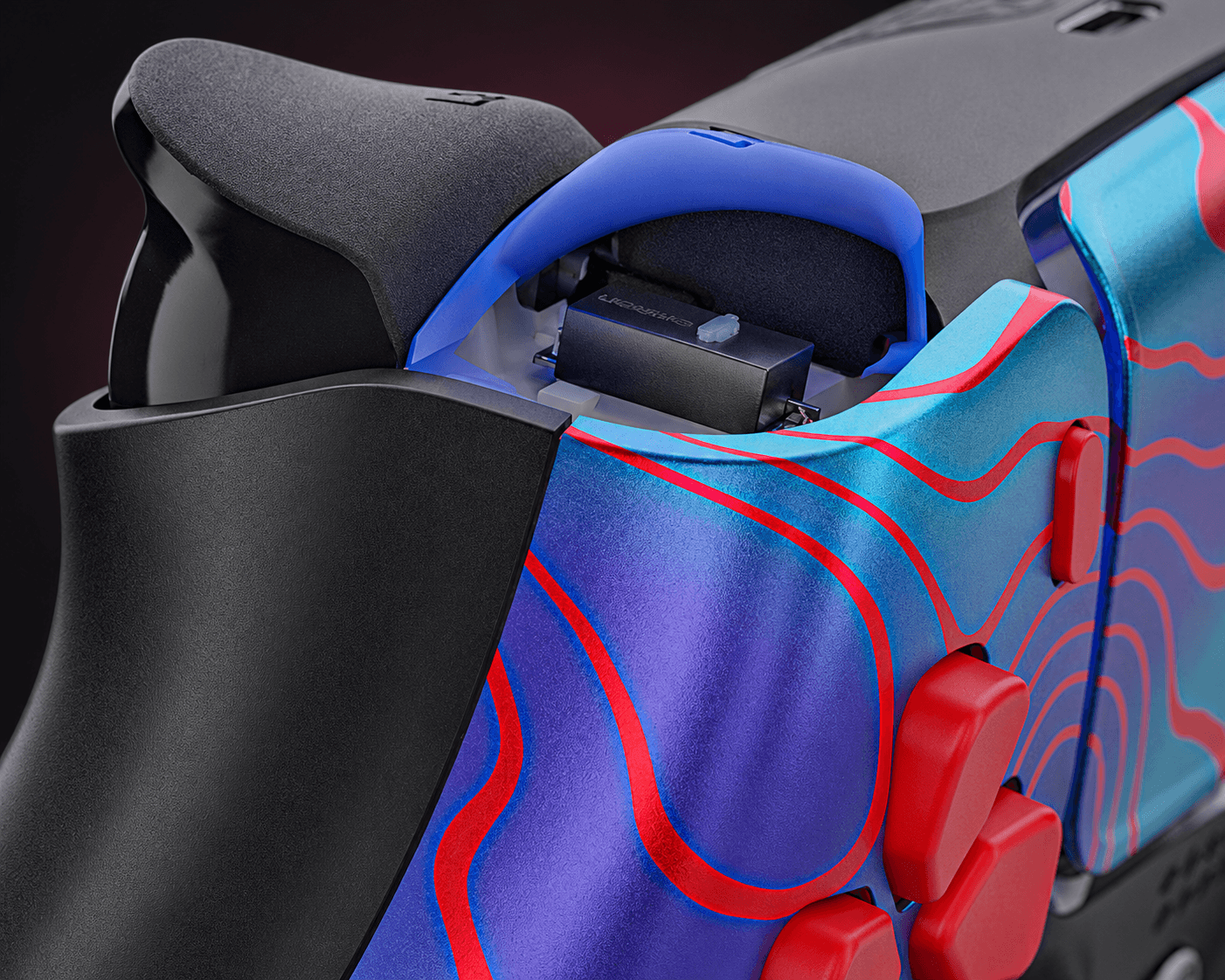
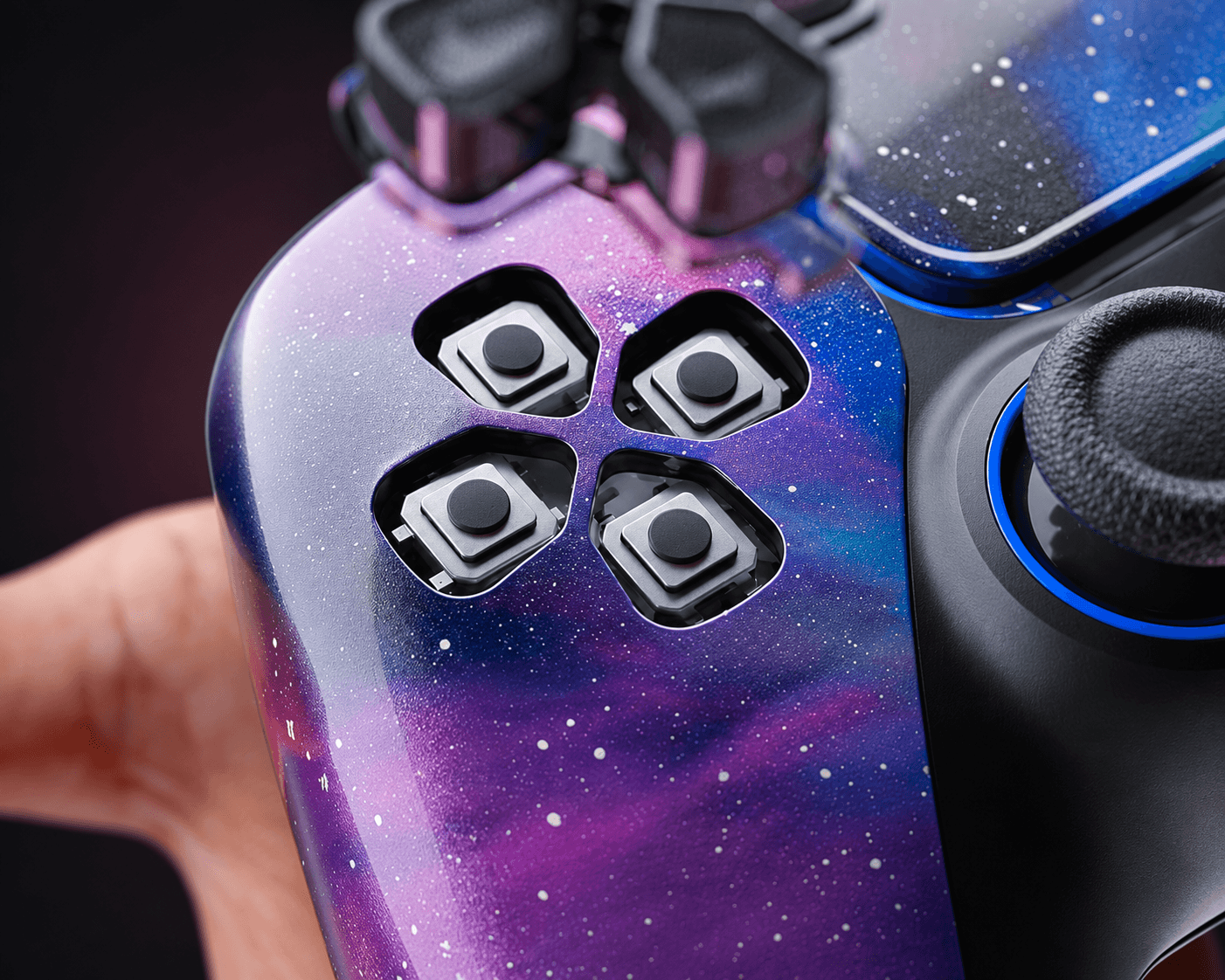
AIM Digital Buttons
A mouse-click switch beneath each of the four action buttons gives the press a short stroke and a crisp, audible click. You feel the switch engage as you press.
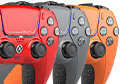
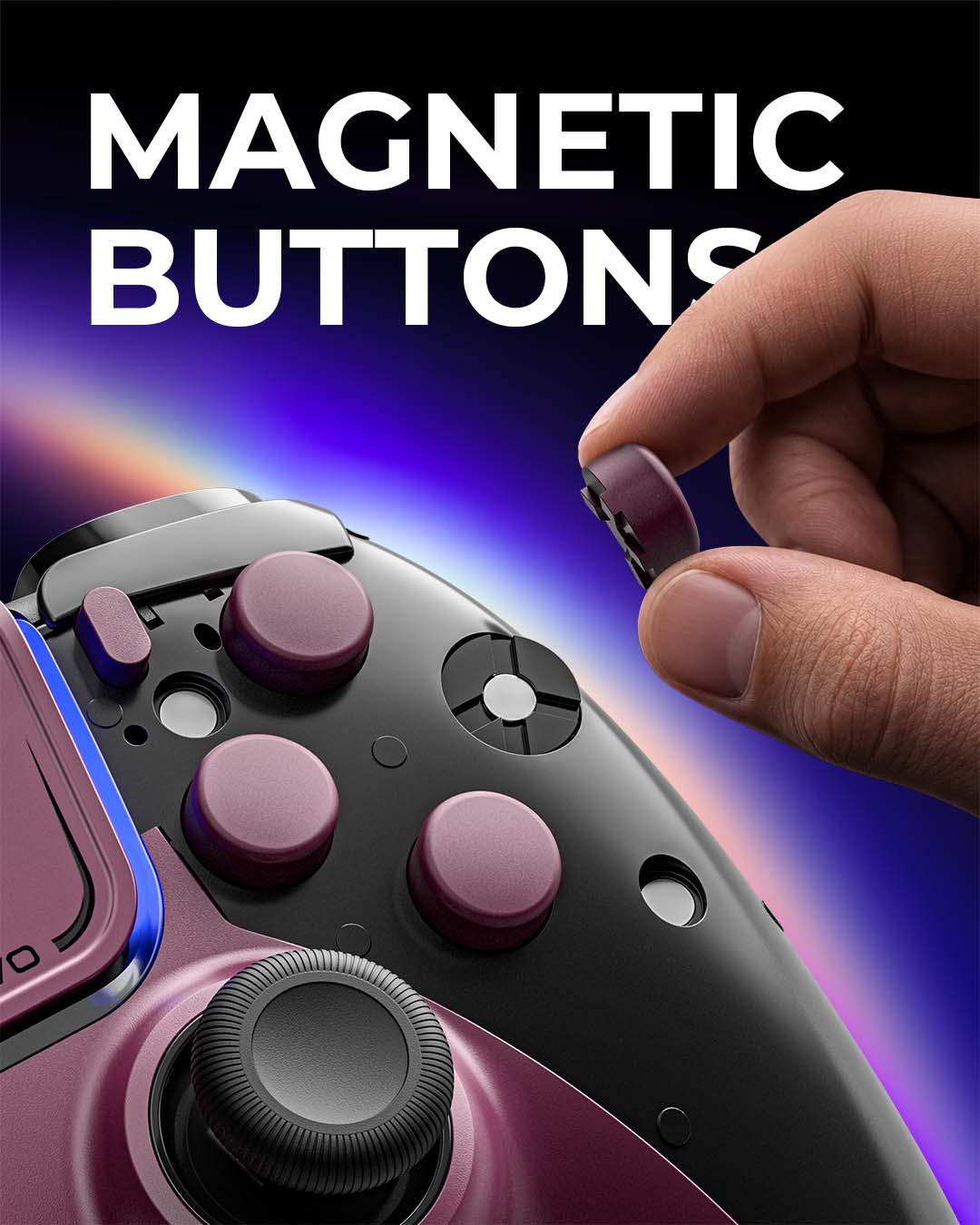
The magnetic caps lift off independently, so you can change their finish and keep the same tactile feedback.
Magnetic Buttons & D-pad
Lift an action-button cap from its magnetic mount and seat a compatible cap in its place. The D-pad is interchangeable too. The switch stays inside the controller, so changing the cap preserves the feel of each press.
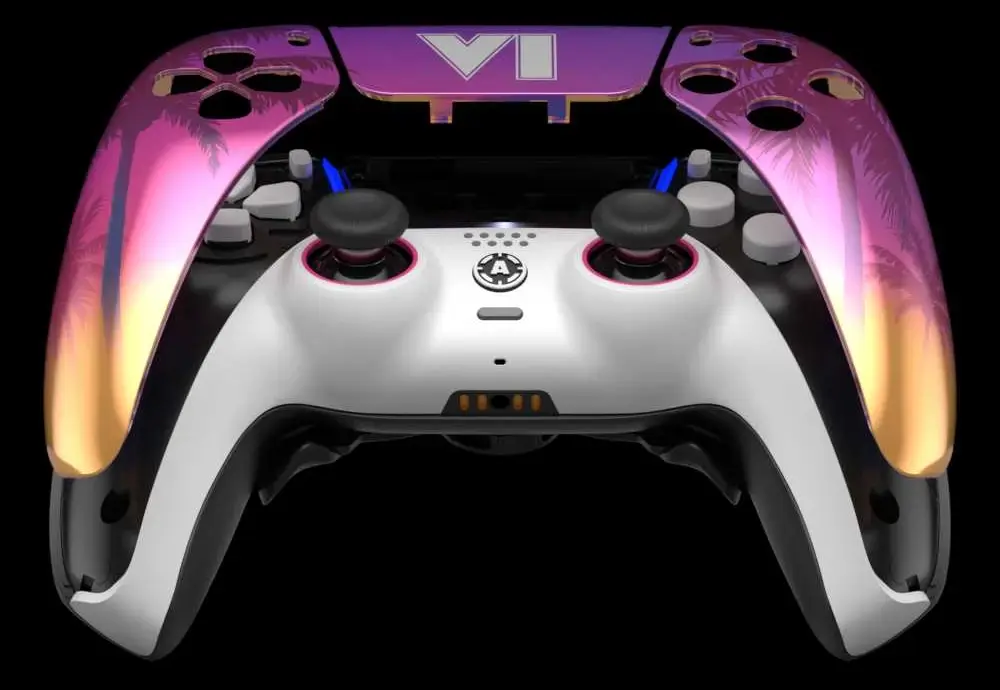
Snap Panels
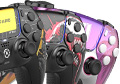
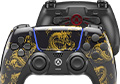
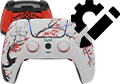
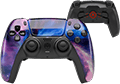
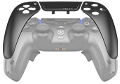
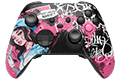
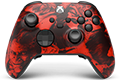
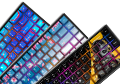
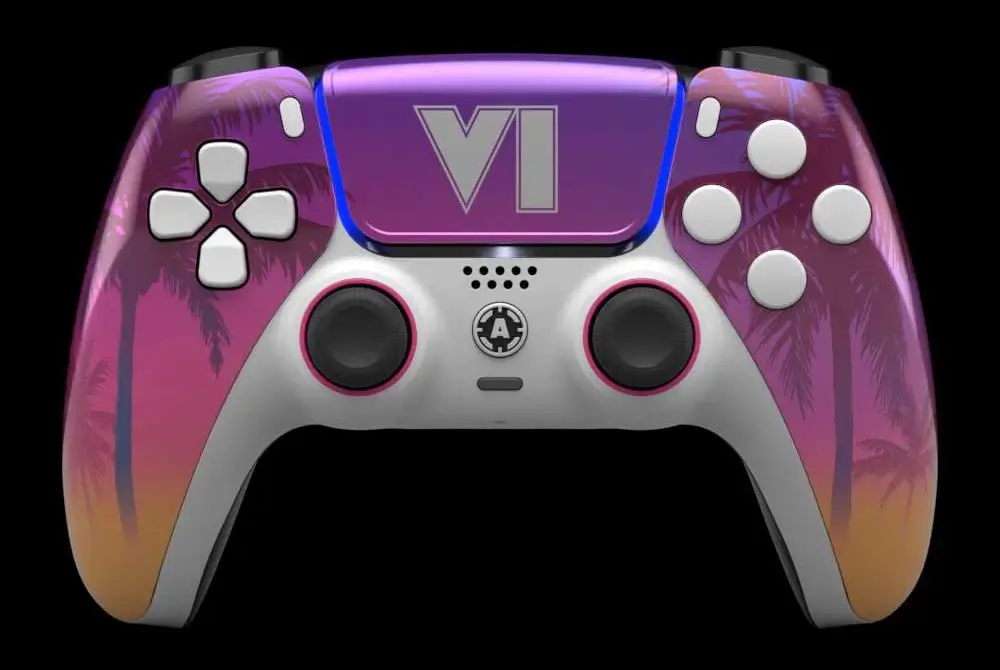
Spider Evo comes with an interchangeable magnetic faceplate. Lift off the Snap Panel and snap another compatible design into place.
Spider Evo Gaming Controller Specifications
Explore the controls included with Spider Evo for PS5 and PC and how to use them in your favourite games.
- PS5 and PC compatibilityUse the same paddle layout on console and PC.
- Four remappable Spider paddlesMap jump or crouch to a rear paddle so your aiming thumb can stay on the right stick.
- Next-gen AIM TMR sticksMagnetic sensors track stick movement without physical sensor contact, eliminating drift caused by contact wear.
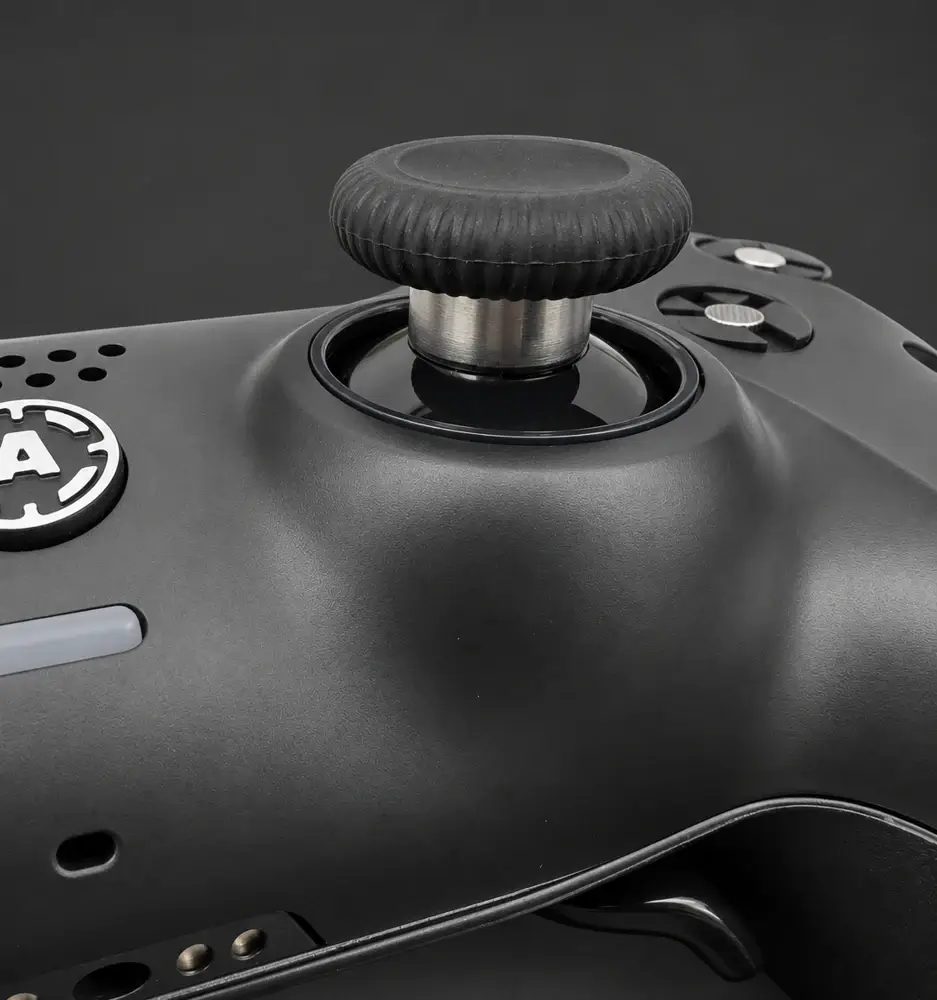
- Small and High stick topsFit a Small top for a lower thumb position or a High top for more leverage when adjusting your aim.
- Active Triggers on L2 and R2Use a short click for semi-automatic fire in shooters or full analogue travel to control braking and acceleration in racing games.
- Smart Bumpers on L1 and R1Short-travel switches let you activate L1 and R1 with less finger movement, helping you react faster in game.
- Four mouse-click Digital ButtonsFeel each action-button press register when you reload, swap weapons or jump.
- Magnetic button caps and D-padSwap the magnetic caps and D-pad to change the colour of your controls.
- Interchangeable Snap PanelSnap on a different magnetic faceplate to give your controller a new look.
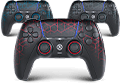
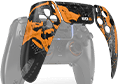
Pick your finish. Every 139€ controller includes four Spider paddles, next-gen AIM TMR sticks, Active Triggers and magnetic face controls.
Works on PS5 and PC · Two-year warranty
How to remap a paddle
Use the paddles for the actions you reach for most. In a shooter, your layout could include:
Frequently asked questions
Paddles, sticks, triggers, faceplates and warranty: the answers players ask for most.
What is Spider Evo?
How do I remap a paddle?
Hold the touchpad and any rear paddle together until the lights flash. Press and release the button you want to assign, then press the paddle that should perform it.
Repeat for any other paddles in your layout. To finish, press the touchpad and any paddle together.