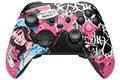





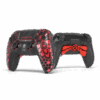
3LDIABLO89 AIM PC MH5 Controller

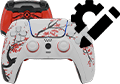
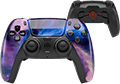
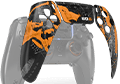
Created in collaboration with 3LDIABLO89, this custom PC controller features bold geometric patterns and a sleek, tech-inspired look. Personalized with the creator’s name on the touchpad. Built to stand out – in every match.

14 business days for predesigned controllers

Want your controller to be fully personalized?

Build your own PC controller

Please note that controllers built with the Marius Board are designed exclusively for PC use and do not support the following features:

As a result, the following features are not supported:

Console connectivity, Bluetooth connectivity, Wireless gameplay, Macros and scripting functions, Keybinding functionality, Rumble and vibration motors, Touchpad gestures and tracking, Internal battery operation, Gyro and motion controls, Headphone jack functionality, Reset button functionality

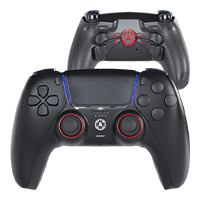
Comparison

Basic VS PRO VS MAX

Choose the perfect version for your gaming style
The Basic Version

Stand out from the crowd

Ideal for those who desire a unique controller that fully meets their gaming expectations.

This version is perfect for players who want to express their personal style without the need for additional technical modifications. Get a clean, stunning look that matches your setup.

The PRO Version

Take your gameplay to the next level

Built for determined gamers who expect much more from their controller.

Custom modifications affect gained achievements while making it easy to beat the competition. The PRO version seems to be a must-have for all action and shooter game players, as the customized features improve gamer's response time, the comfort and efficiency of playing, while allowing to act faster due to the additional back buttons and digital mechanisms.

In case you would like to explore the world of enhancements, additional buttons and mechanisms even further, we offer you to fully personalize the controller in our custom PS5 configurator. We offer a variety of the buttons' modifications and design combinations.

The MAX Version

Ready to push beyond PRO?

The MAX version takes performance and precision to the extreme.

The MAX version is crafted for gamers who demand the absolute best from their controller. Beyond the enhancements found in the PRO version, MAX takes precision and speed to the next level. It’s built for those who want to dominate every match and never settle for less.

With digital buttons which replace traditional ones, your inputs become faster and more precise - the reduced travel distance and crisp feedback help you act quicker and more confidently. The advanced TMR sticks provide unmatched aim control with zero drift, letting you focus fully on clutch moments without worry.

This level of customization delivers a true next-gen gaming experience, tailored for the most competitive players who thrive in action-packed, high-stakes environments.

Ready to push your gameplay even further? Our custom PS5 configurator lets you personalize every detail - from button types to design options - so you get a controller that’s as unique and powerful as you are.


Comparison

How the Aim MH5 stacks up

Compared on PC over wired USB.

BestAim MH5 PC controller
Aim MH5
Polling Native 8000 Hz
Triggers 1mm instant click
Back buttons 4 programmable
Sticks TMR, drift resistant
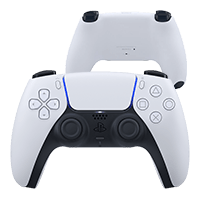
DualSense controller
DualSense
Polling Not native 8000 Hz
Triggers Analog only, no click
Back buttons None
Sticks Standard potentiometer
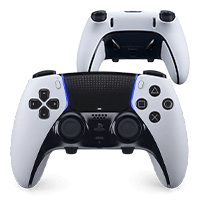
DualSense Edge controller
DualSense Edge
Polling Not native 8000 Hz
Triggers No instant click
Back buttons 2
Sticks Replaceable potentiometer
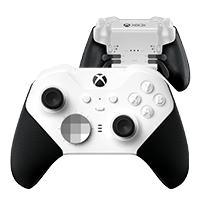
Xbox Elite controller
Xbox Elite
Polling Not native 8000 Hz
Triggers No instant click
Back buttons 4 programmable
Sticks Standard potentiometer
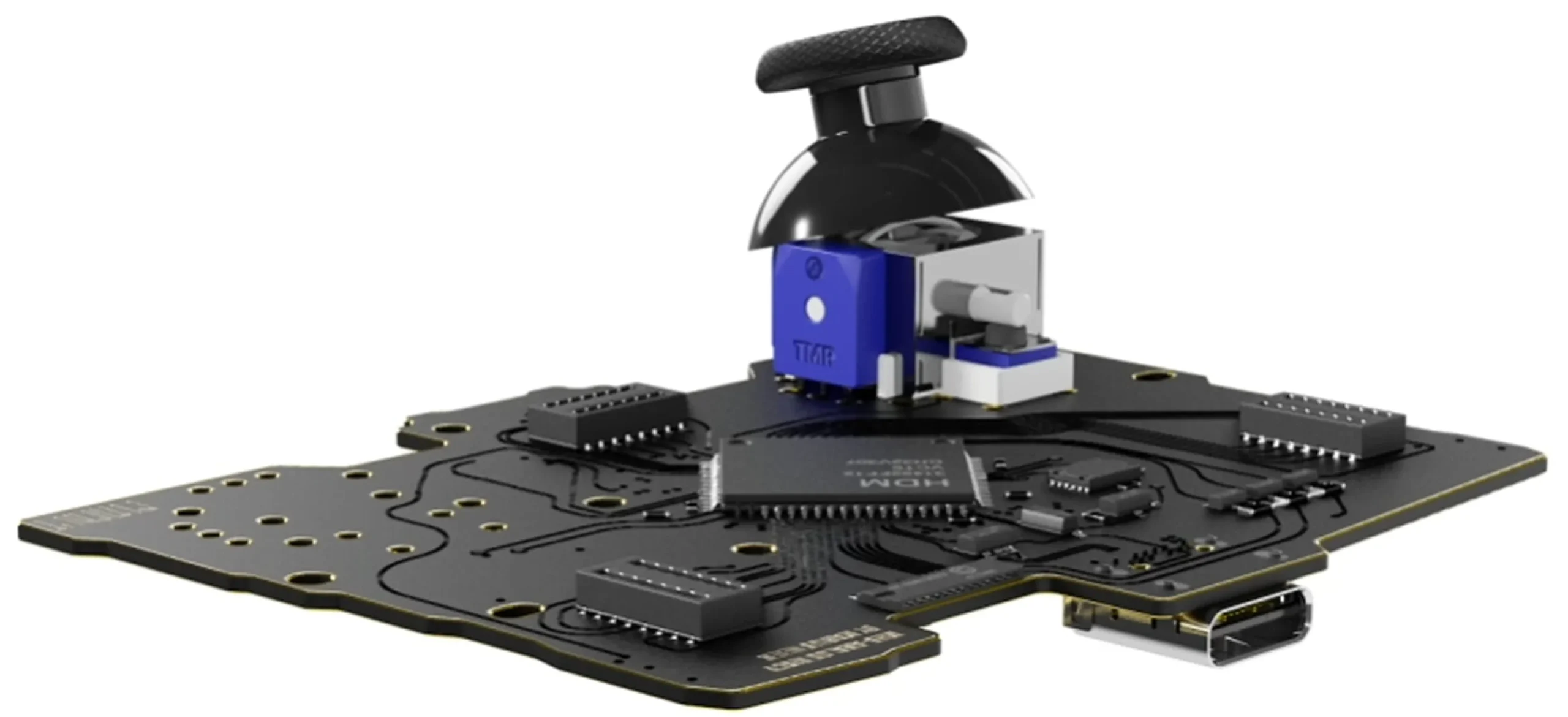
TMR sticks

Sticks that don't drift

Tunnel Magnetoresistance sensing

Traditional sticks use potentiometers that wear down through physical contact, and that wear becomes drift. TMR reads stick position with magnets. Nothing touches, so your accuracy holds over time. Choose Standard TMR for balanced precision, or Tension TMR with resistance from 30 to 80 gf.

Aim MH5 TMR thumbstick on the controller board
Triggers

Mouse-click triggers

Short travel, instant actuation

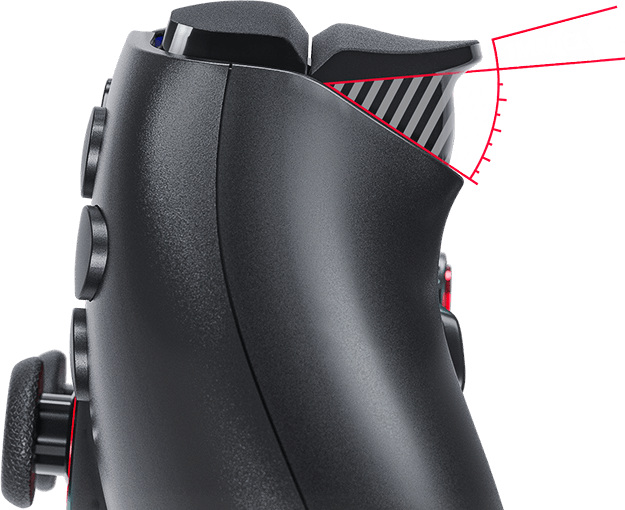
Digital triggers and bumpers use mouse-click style switches: shorter travel, faster actuation, the shot goes off the moment you decide. Tune rest point, activation, and travel in the calibration software, or keep full analog when a game needs it.

1mm trigger click close-up
Back buttons

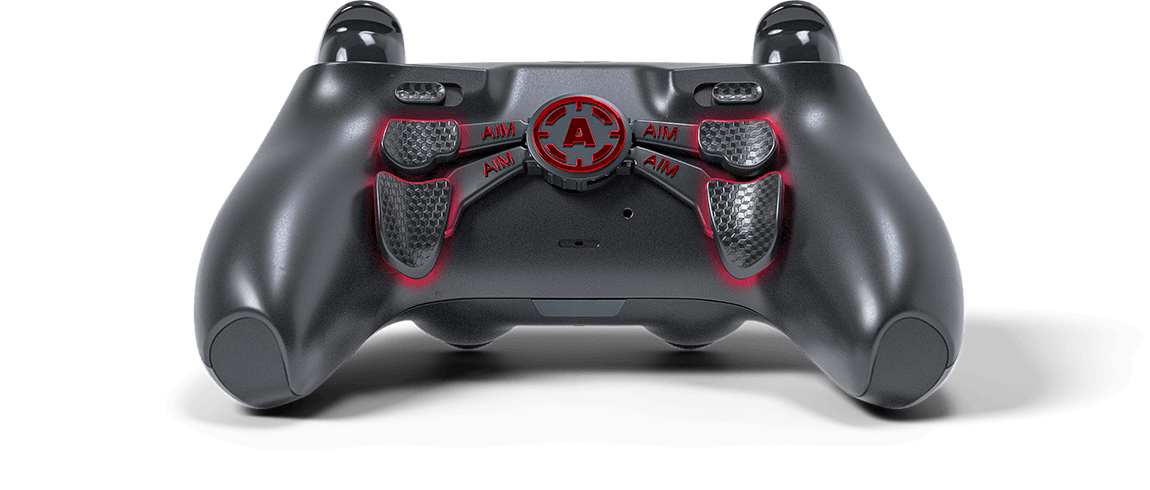
Up to four back buttons

Remap to fit your hands

Put jump, slide, ping, or reload under your fingertips and keep your thumbs on the sticks. Map up to four rear buttons around the way you already play.

Four programmable back paddles
FAQ

Frequently asked questions

What do I get with an Aim MH5 instead of just the board?
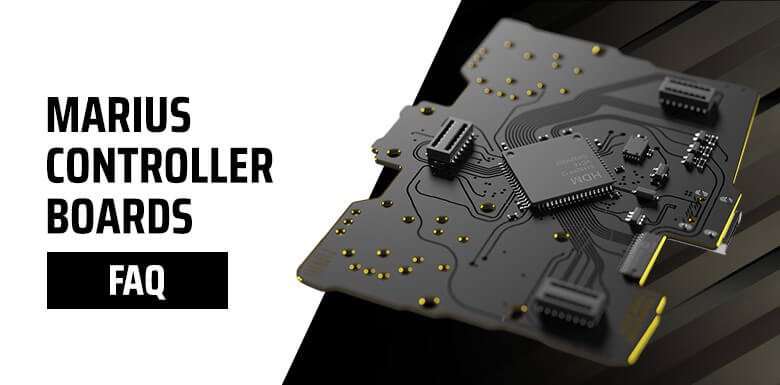
You get a fully built, tested, and calibrated controller, ready to play, instead of raw parts that need soldering and setup. We combine the Marius MH5 performance board with our own paddles, trigger options, grips, and custom designs to build a complete competitive PC-only controller.
What is the best way to connect it to my PC?
USB cable only. For best performance, plug it directly into a rear motherboard USB port, not a front case port or a USB hub, and use a high-quality data USB cable. It does not support Bluetooth or wireless play.
Analog or Digital buttons for competitive play?
Digital buttons use mouse-click style switches: faster actuation, shorter travel, and a more responsive feel, recommended for competitive players. Analog buttons keep the original feel and pressure sensitivity for games that use it. For most FPS players we recommend Digital.
How do I confirm my polling rate?
Use Marius' DEEPPOLL tool. Polling tools measure how often the PC receives USB reports, not real-world latency, and small fluctuations around 8000 Hz can happen due to Windows, CPU scheduling, USB ports, or system load.
What if it isn't reaching the expected polling rate?
Open the Marius setup page and confirm the polling rate is saved at 8 KHz. Then try a different high-quality USB cable, connect directly to a rear motherboard port, avoid USB hubs, and try another port. If 8 KHz is unstable on your system, try 4 KHz or 2 KHz, since some PCs, motherboards, or games may not handle 8 KHz consistently.
Who is the Marius JDM-5X platform for?
The JDM-5X is a custom PC-only board for DualShock 4-style controllers, built for very low latency, high polling, and advanced stick and trigger calibration. Best for competitive PC gaming, FPS, and players who want maximum responsiveness over console features.
What features are not available on the MH5?
It does not support PlayStation or Xbox console connectivity, Bluetooth, wireless, macros, keybinding, rumble or vibration, touchpad gestures, internal battery, gyro or motion controls, a headphone jack, or a reset button.
Is it ready to use out of the box?
Yes. Every Aim MH5 is built, tested, and calibrated before shipping, ready to use on PC out of the box. Advanced users can still adjust calibration, polling, stick curves, deadzones, and mappings through the Marius setup tools.
Which bumper option should I pick?
Choose Digital. Smart Bumpers use mouse-click micro-switches as instant on/off inputs, which gives the fastest possible response on every press.
Why does my aim feel jittery sometimes?
8 KHz polling can be too demanding for some PCs, USB controllers, motherboards, or games. Try a rear USB port, another cable, another port, and close unnecessary background software. If it continues, lower the polling rate to 4 KHz or 2 KHz, you still keep most of the low-latency benefit.
Can I use HIDUSBF to overclock it?
No, you should not overclock this controller. The Marius board is built to run high polling rates through its own setup, natively. HIDUSBF can stay installed on your PC, but overclocking the Marius controller or its USB port may reduce performance or cause instability.
TMR vs Hall Effect sticks?
Both use magnetic sensing instead of carbon-track potentiometers, which reduces the risk of stick drift. Hall Effect is the older magnetic technology and very reliable when well implemented. TMR, or Tunnel Magnetoresistance, is newer and more precise, with very stable micro-movements and high accuracy.
Do I need DS4Windows or other software?
No. The controller is a PC-only plug-and-play device and DS4Windows is not required for normal use. Some games may still use Steam Input or in-game controller settings, but the controller itself does not need DS4Windows.
Where are the setup, update, and configuration tools?
Use the official Marius tools for calibration, remapping, polling configuration, stick and trigger settings, and firmware updates. Setup & configuration: devsetup.mariusheier.com Firmware updates: update.mariusheier.com Polling verification (DEEPPOLL): tools.mariusheier.com
Support

Need further help?

Our top priority at AimControllers is customer satisfaction.

If any questions or concerns arise before, during or after you place your order, please do not hesitate to contact us and we will do our best to provide you with the care you deserve.

Email: [email protected]

Phone number: +48 86 262 58 99

Live chat: Available at the bottom right corner of the page.

Office hours: Monday through Friday, 8 am – 4 pm.