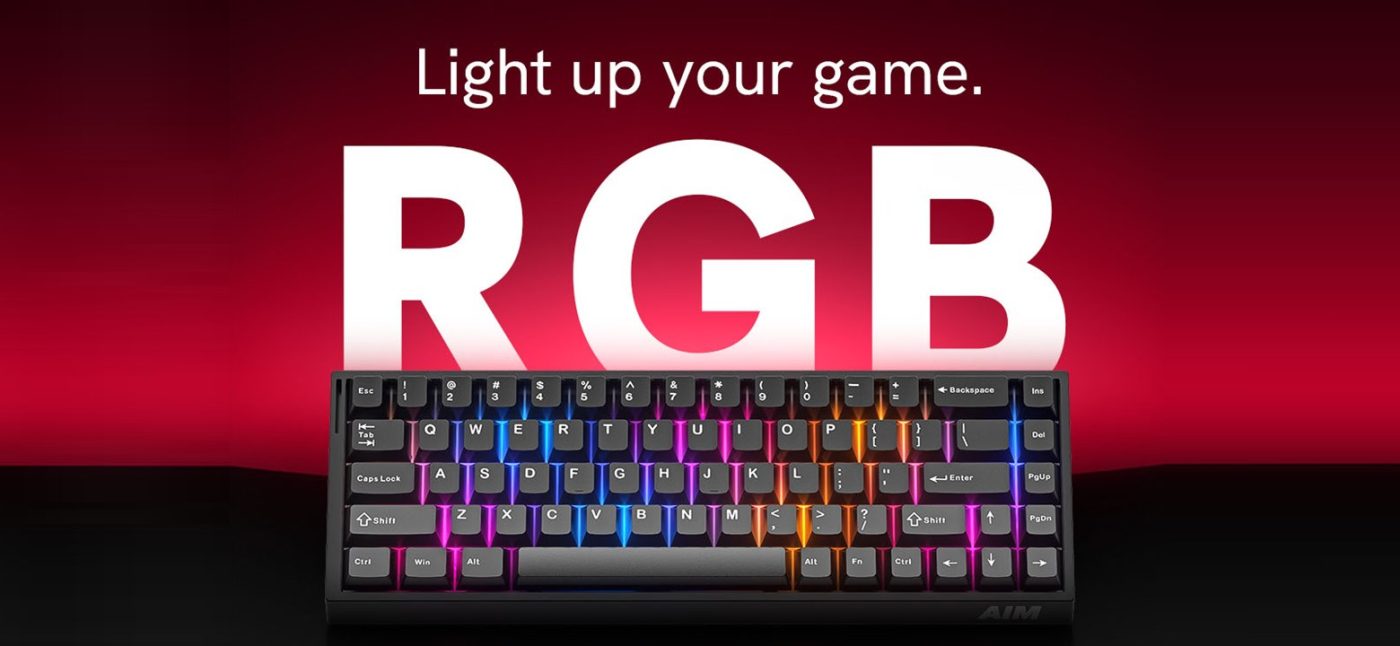
What makes a magnetic switch keyboard faster than a mechanical one?
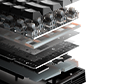
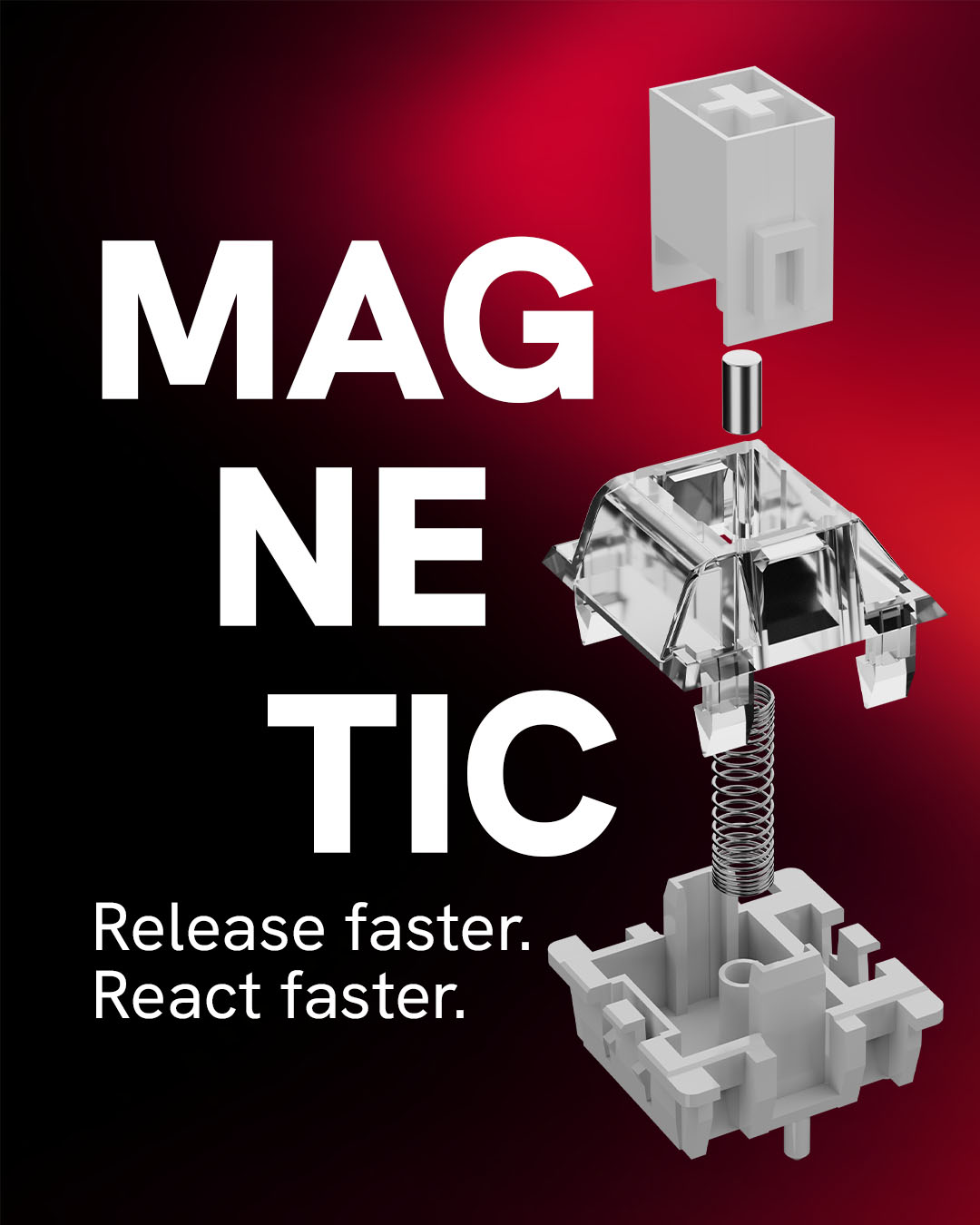
Mechanical switches register a press when two metal contacts touch at a fixed point. Magnetic switches use sensors that track the key's exact position along its entire travel. That enables Rapid Trigger, actuation you can set down to 0.1 mm, and no debounce delay.
How does Rapid Trigger work?
A traditional switch has to travel back past a fixed reset point before it can register another press. Rapid Trigger resets the key as soon as it starts moving up (with 0.01 mm precision), so you can repeat inputs and counter-strafe faster in fast-paced FPS games.
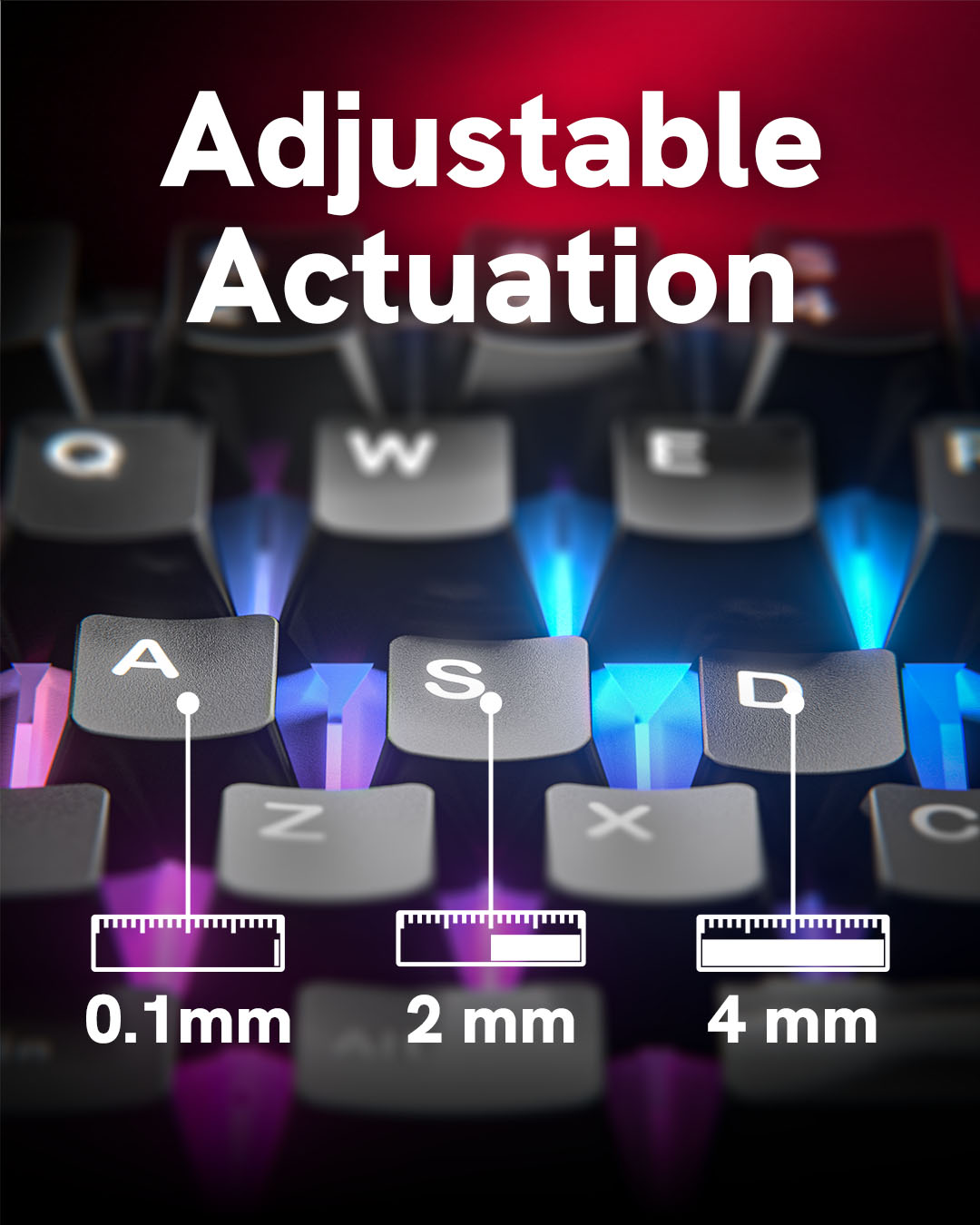
What is adjustable actuation (0.1–4 mm)?
You decide how deep a key has to be pressed before it sends an input. Set movement keys (WASD) to 0.1 mm for instant reactions, and utility keys like grenades or ultimates deeper (2.0–4 mm) to avoid accidental presses.
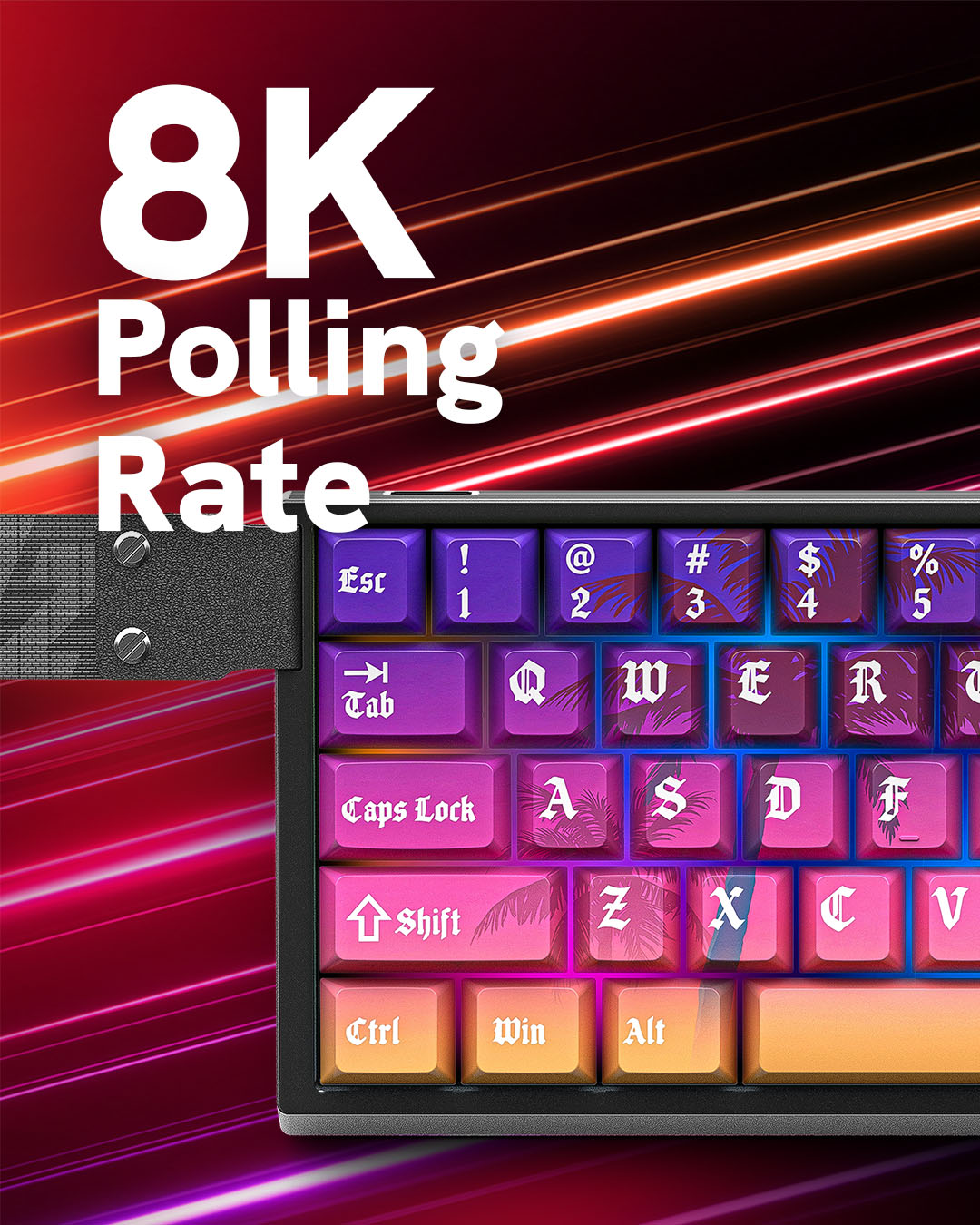
Why do 8000 Hz polling and a 128 kHz scan rate matter?
Standard gaming keyboards report to your PC 1,000 times per second (every 1 ms). 8000 Hz polling sends updates up to 8,000 times per second (every 0.125 ms). The 128 kHz scan rate reads every key that often, so even small finger movements are picked up immediately.
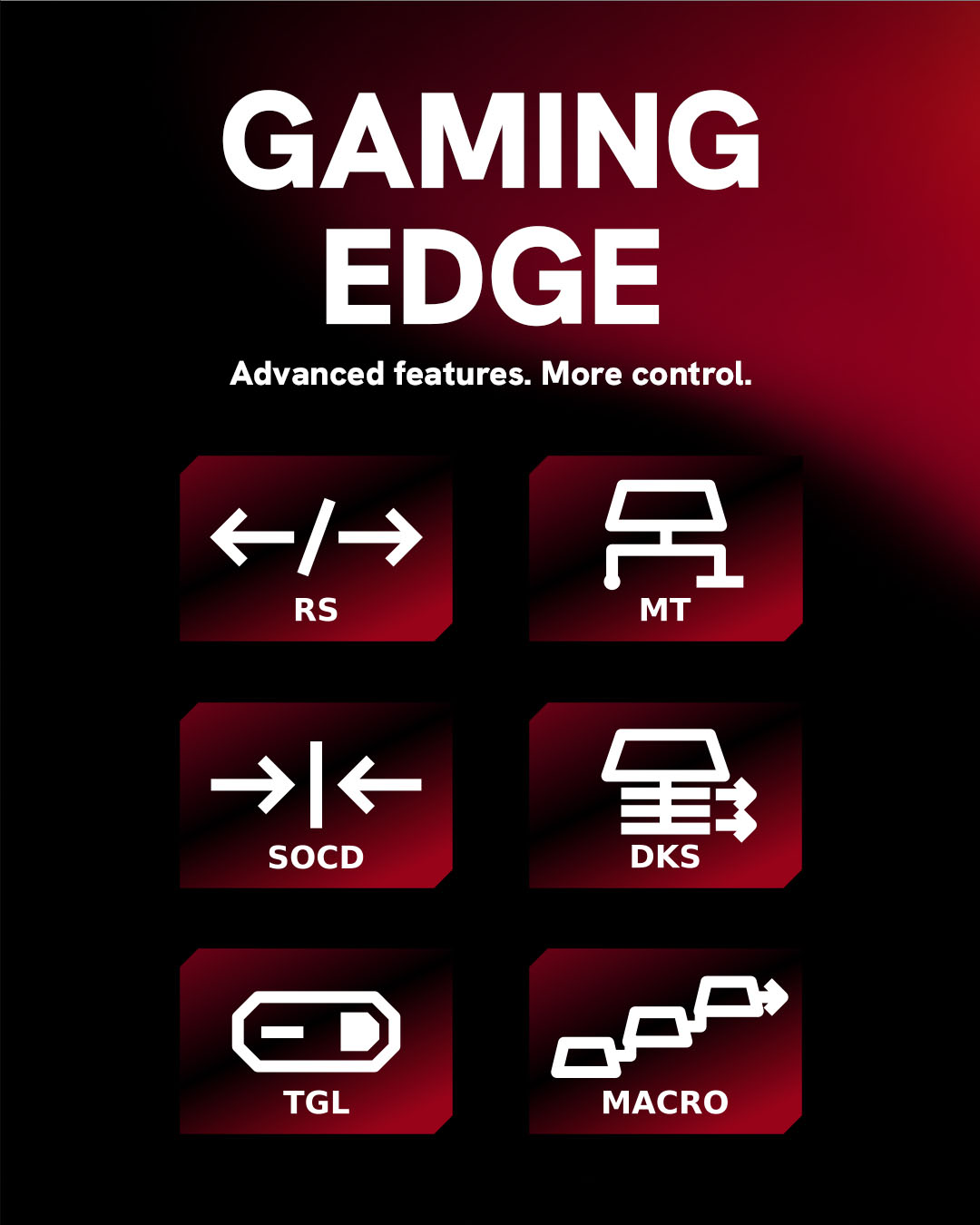
What are DKS, SOCD, Rappy Snappy and MT / TGL?
Advanced input behaviors built for competitive play:
- DKS (Dynamic Keystroke): up to 4 different actions based on press and release depth.
- Rappy Snappy: tracks two opposing movement keys and prioritizes the one pressed deeper.
- SOCD (Simultaneous Opposing Cardinal Directions): resolves opposing inputs (e.g. A + D) instantly for clean counter-strafing.
- MT / TGL (Mod Tap / Toggle): one action on tap, a different one on hold or toggle.
Are the switches and keycaps hot-swappable?
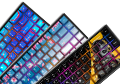
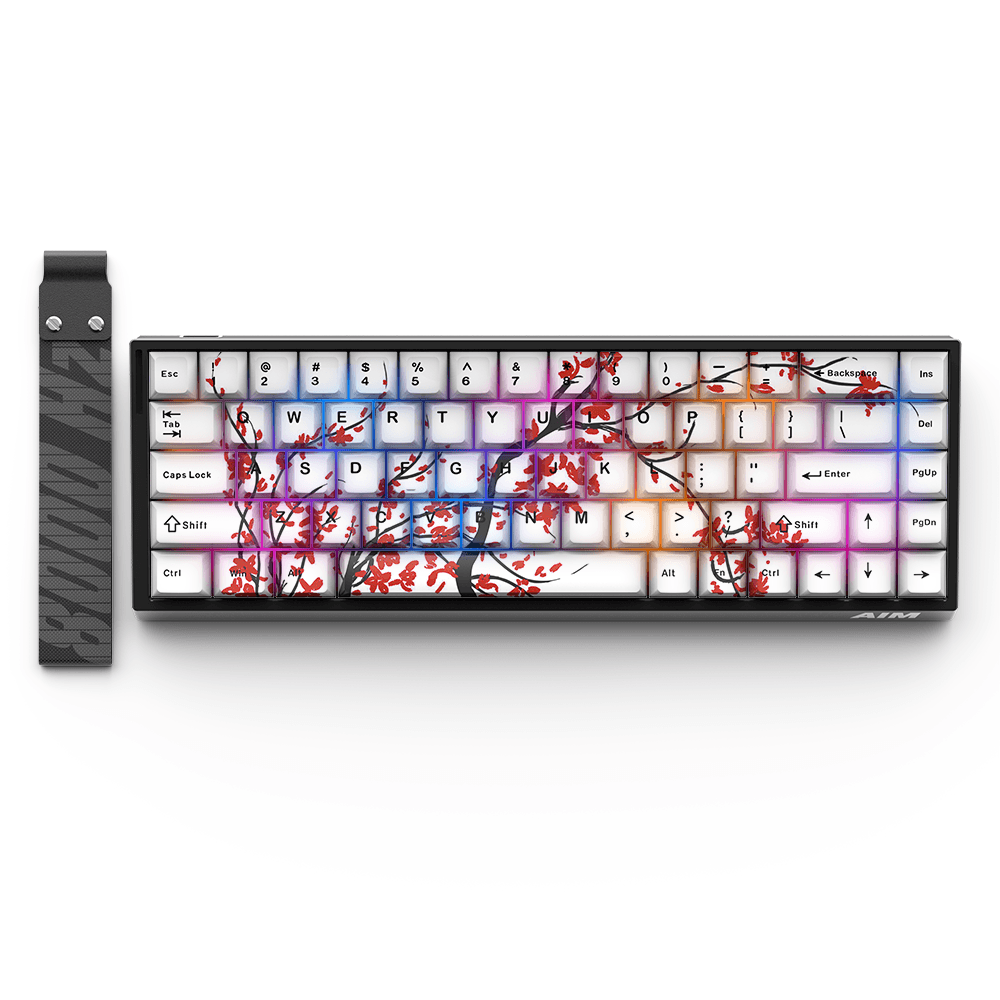
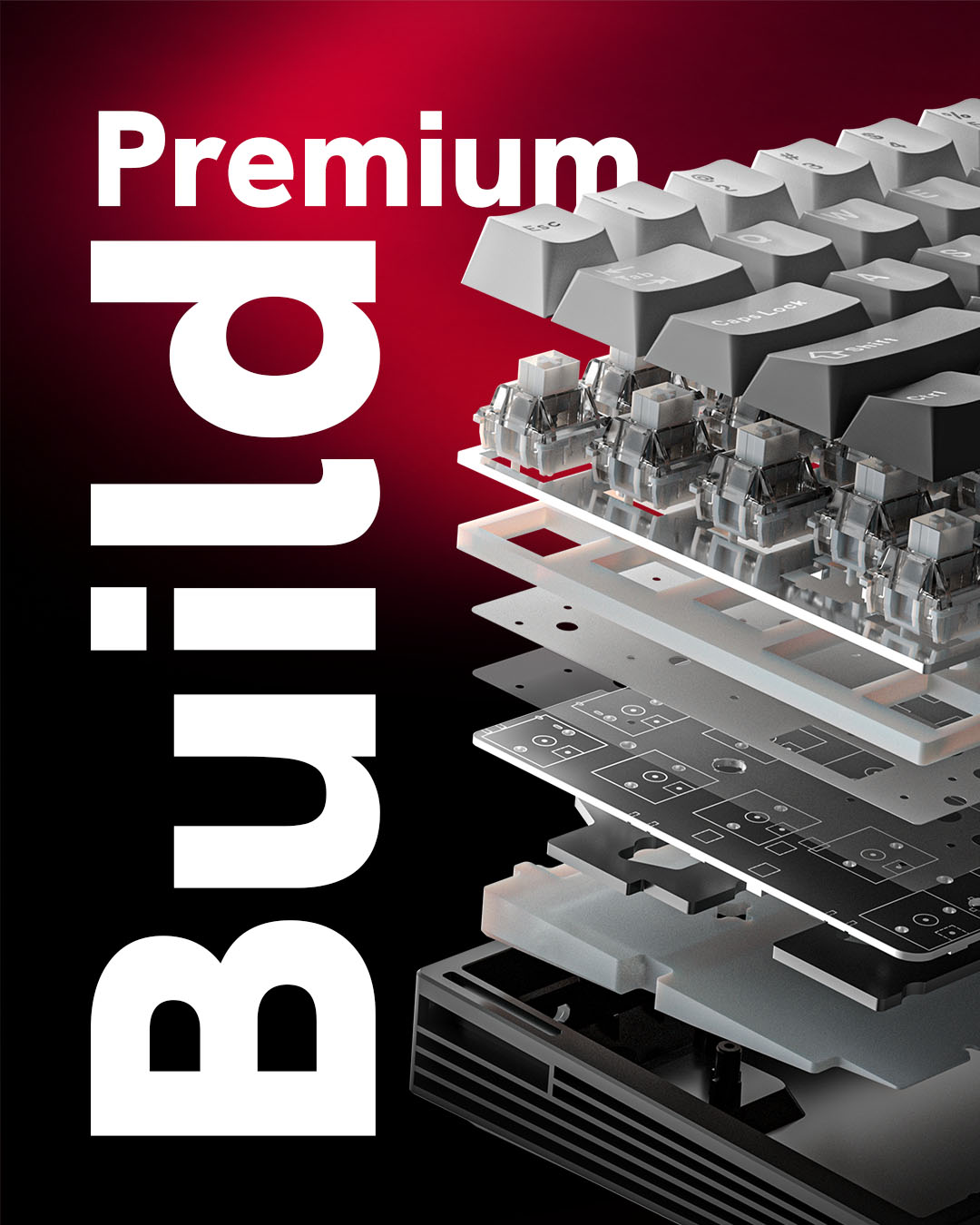
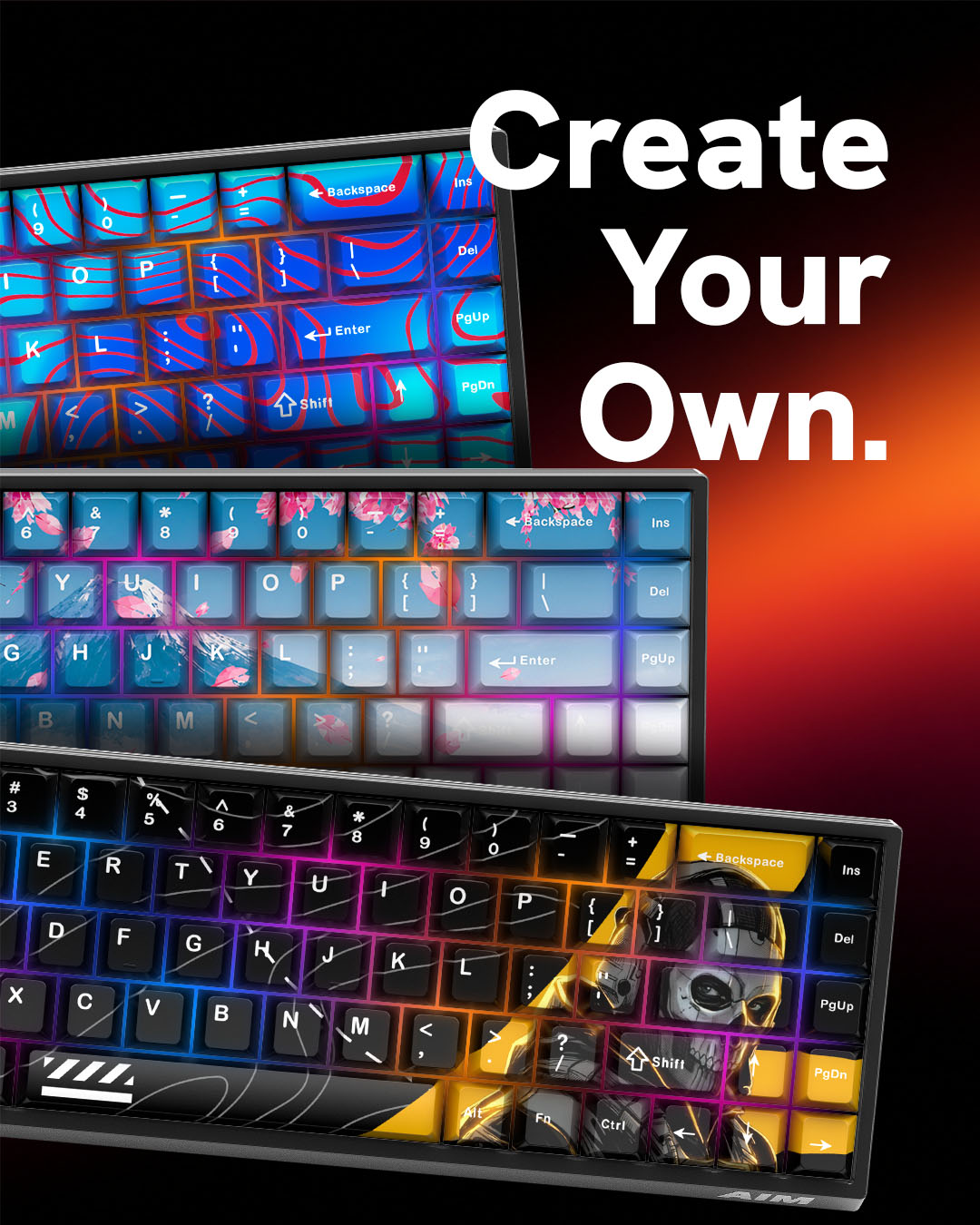
Yes. Both the magnetic switches and the keycaps are hot-swappable – replace switches or fit a compatible custom keycap set without soldering.
What layout does the keyboard have?
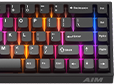
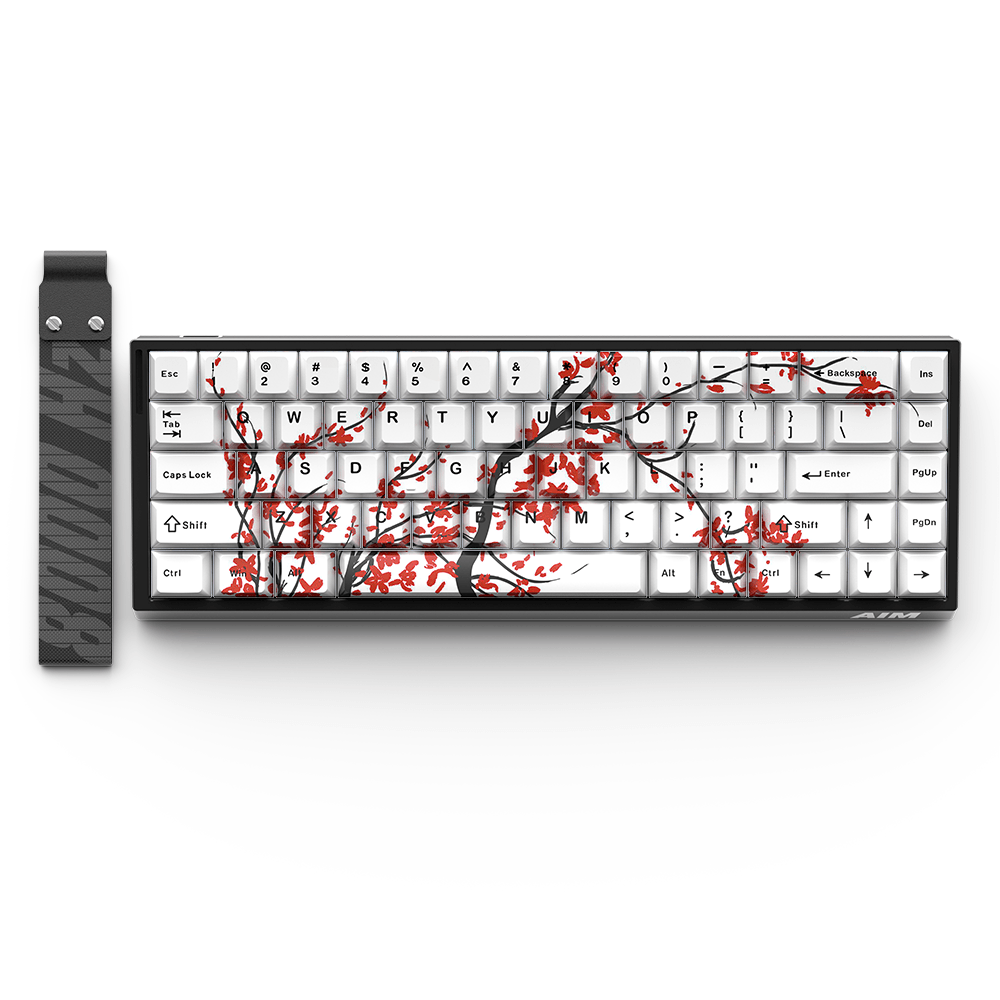
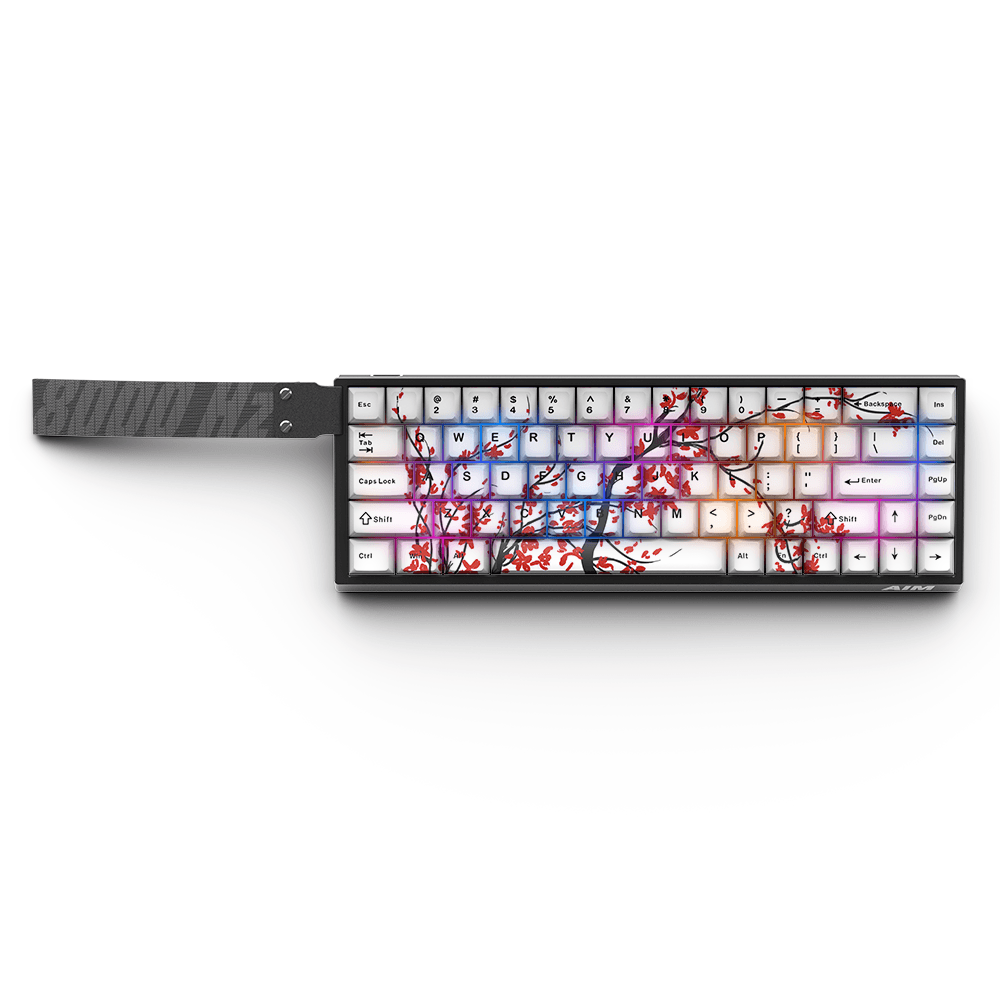
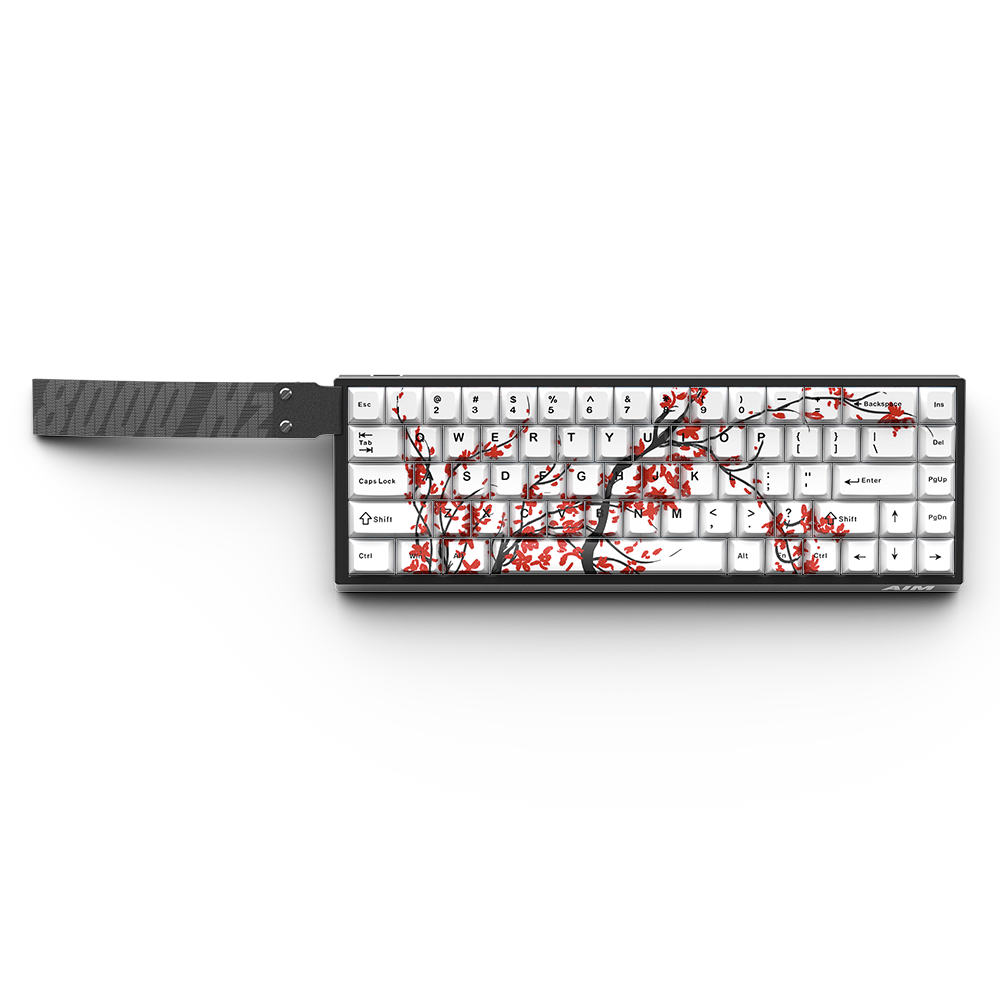
A compact 68-key layout. It frees up desk space for wider mouse movements while keeping dedicated arrow keys and essential navigation keys.
How do I connect the keyboard to get true 8000 Hz?
Plug it straight into a rear USB 3.0+ port on your motherboard using the included cable. Avoid unpowered USB hubs, monitor or keyboard pass-through ports and front-panel case ports.
Why does 8000 Hz stutter or drop frames in some games?
8,000 reports per second puts extra load on the CPU and game engine. Close background apps and check that the game handles high-polling devices well. If a title still drops frames, switch the polling rate to 4000 Hz or 1000 Hz in the software.
Do I need software running in the background while playing?
No. Actuation points, Rapid Trigger settings, polling rate and advanced key behaviors are saved on the keyboard. Configure it once, close the software and play with zero background CPU load.