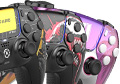
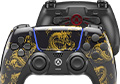
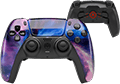
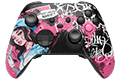
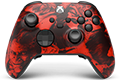
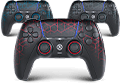
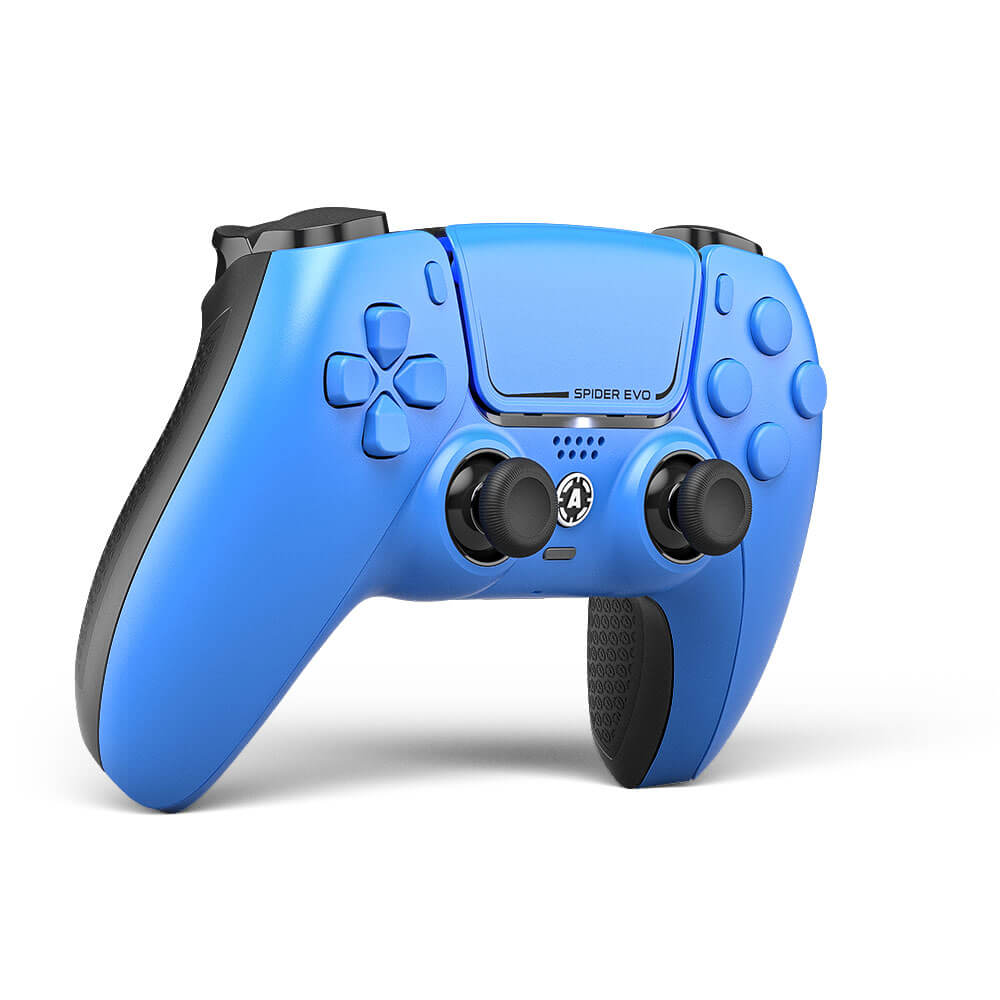
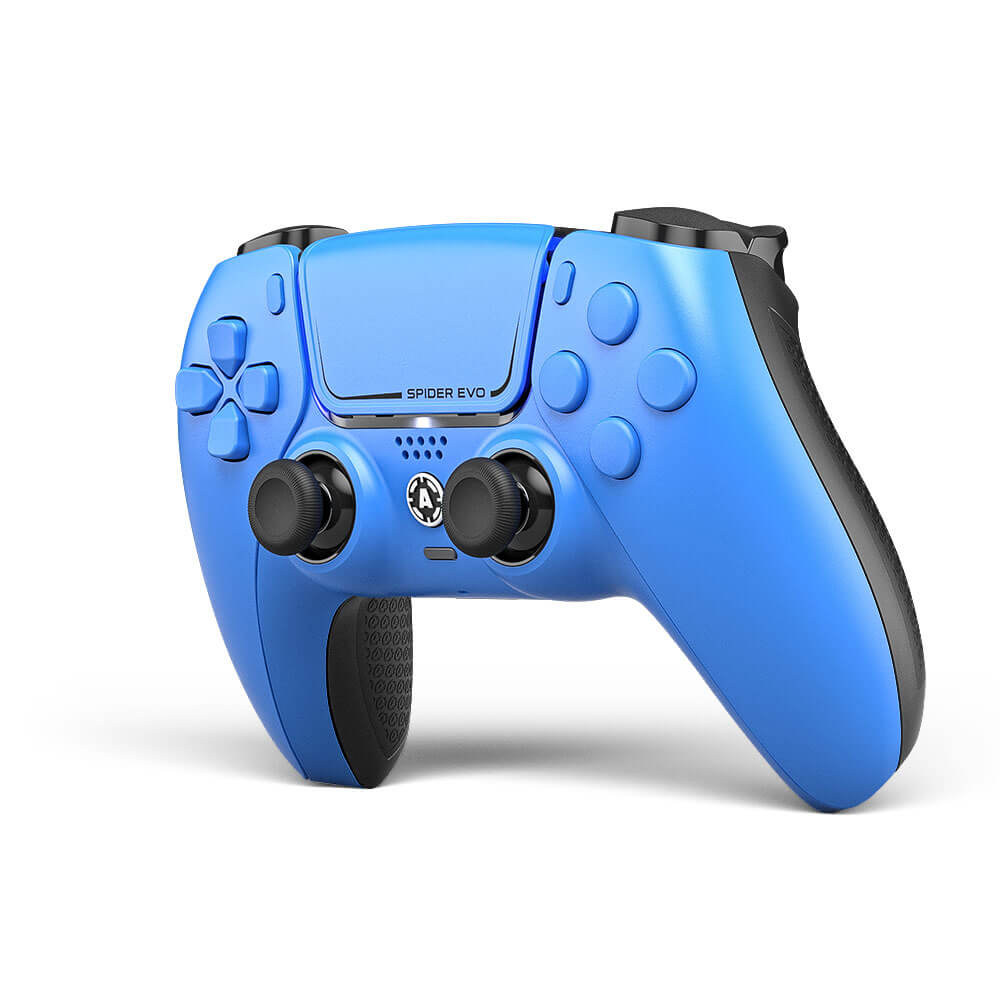
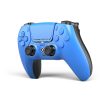
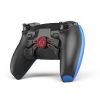
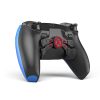
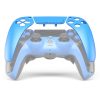
Electric Blue Spider Evo Controller

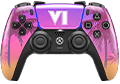
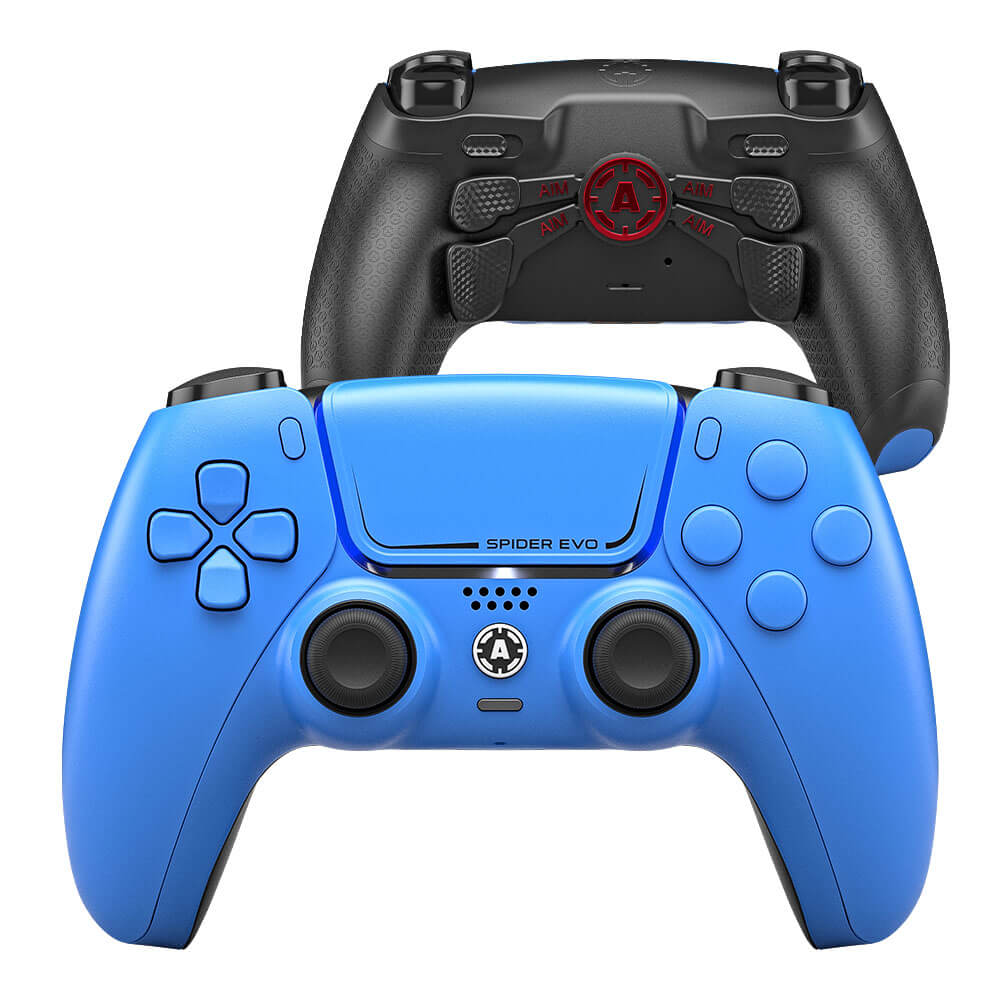
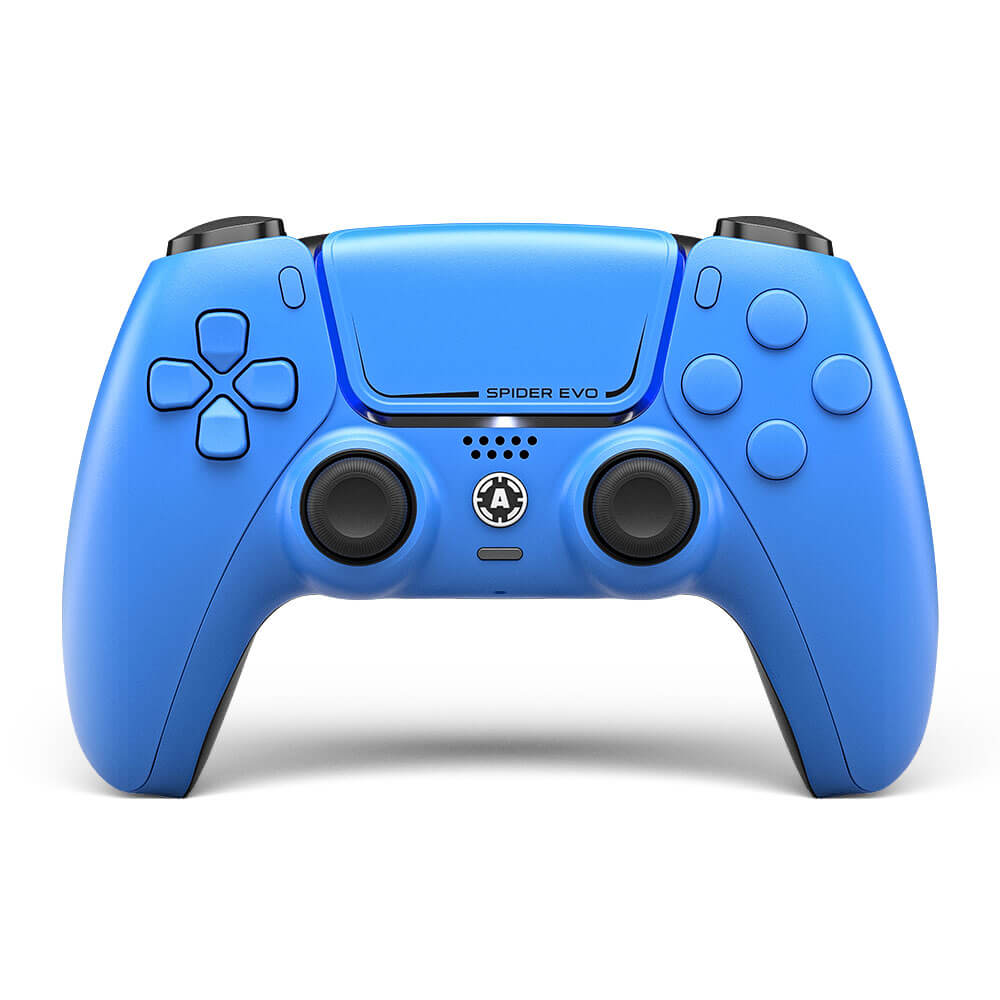
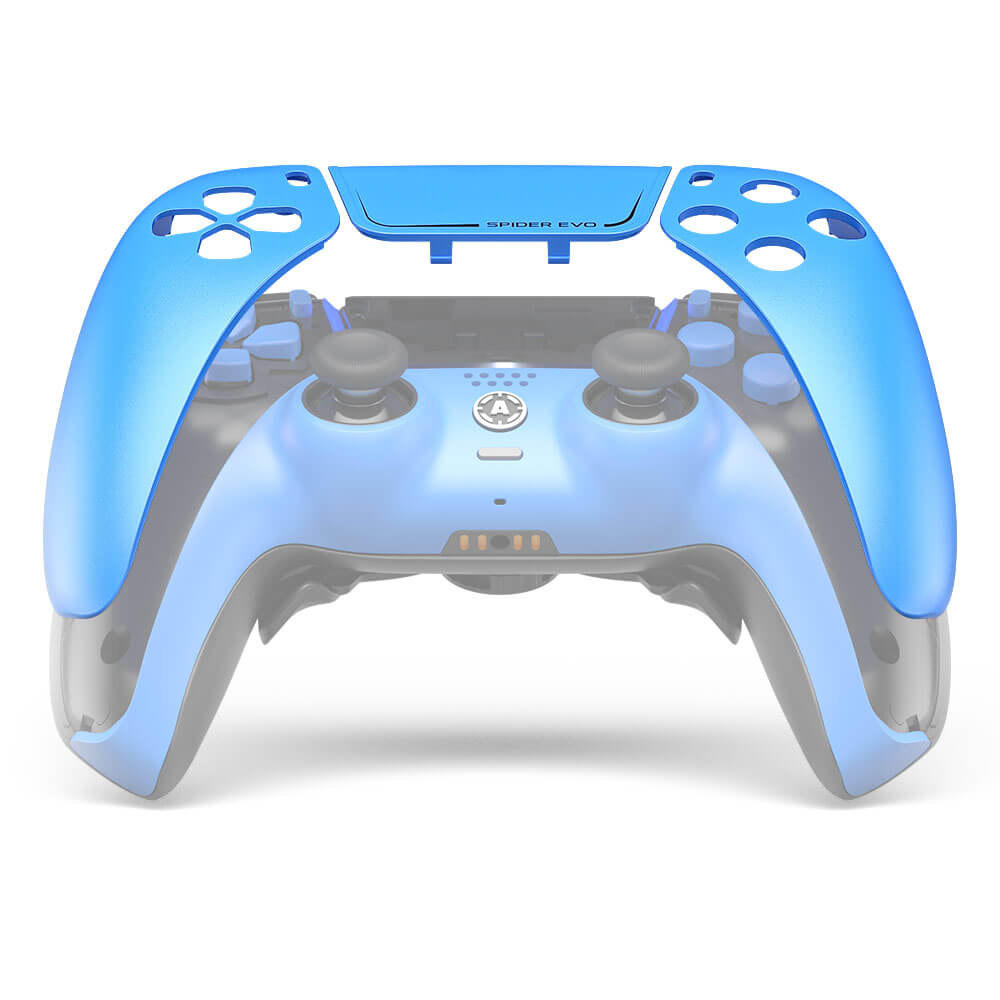
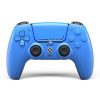
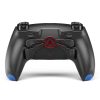
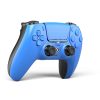
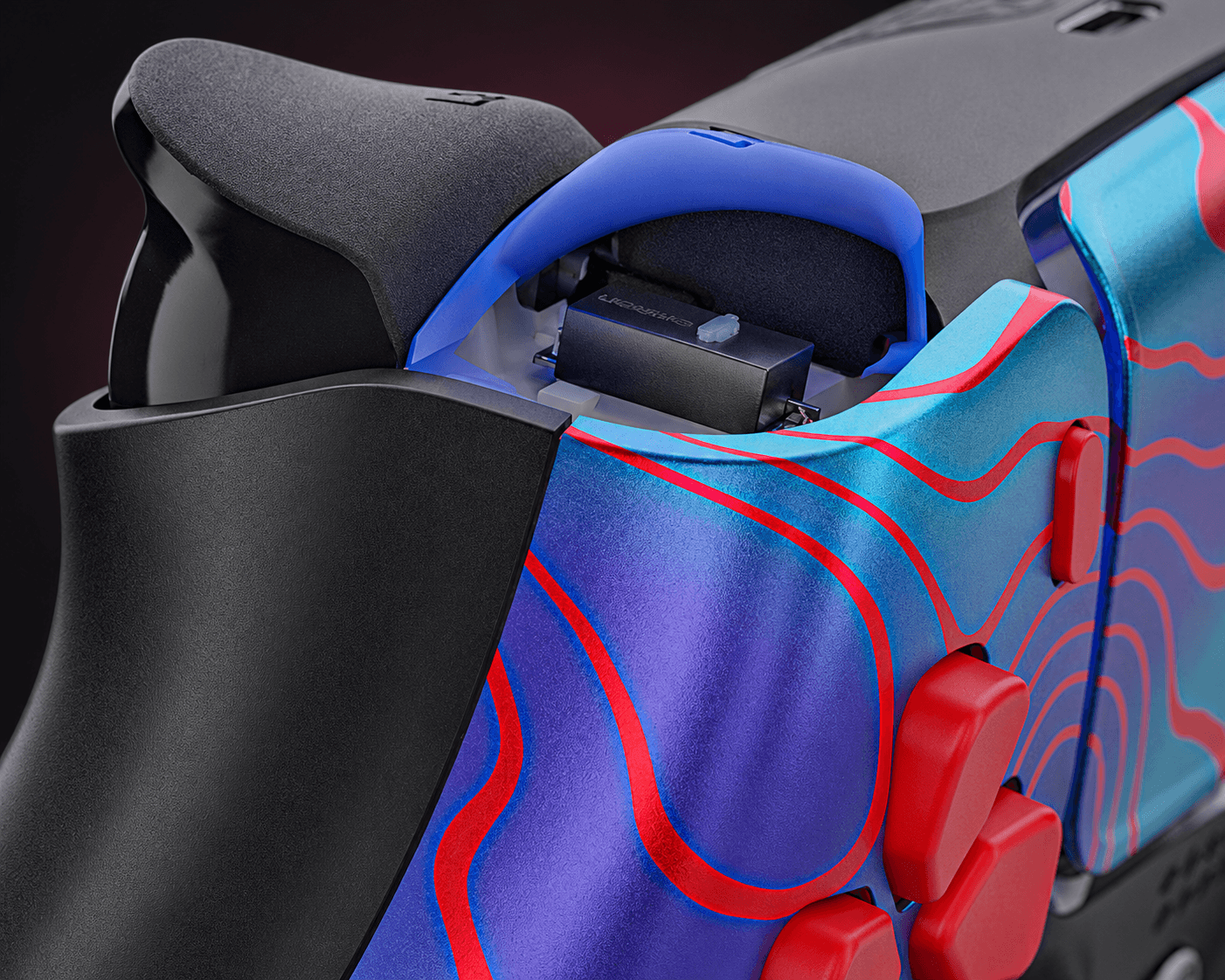
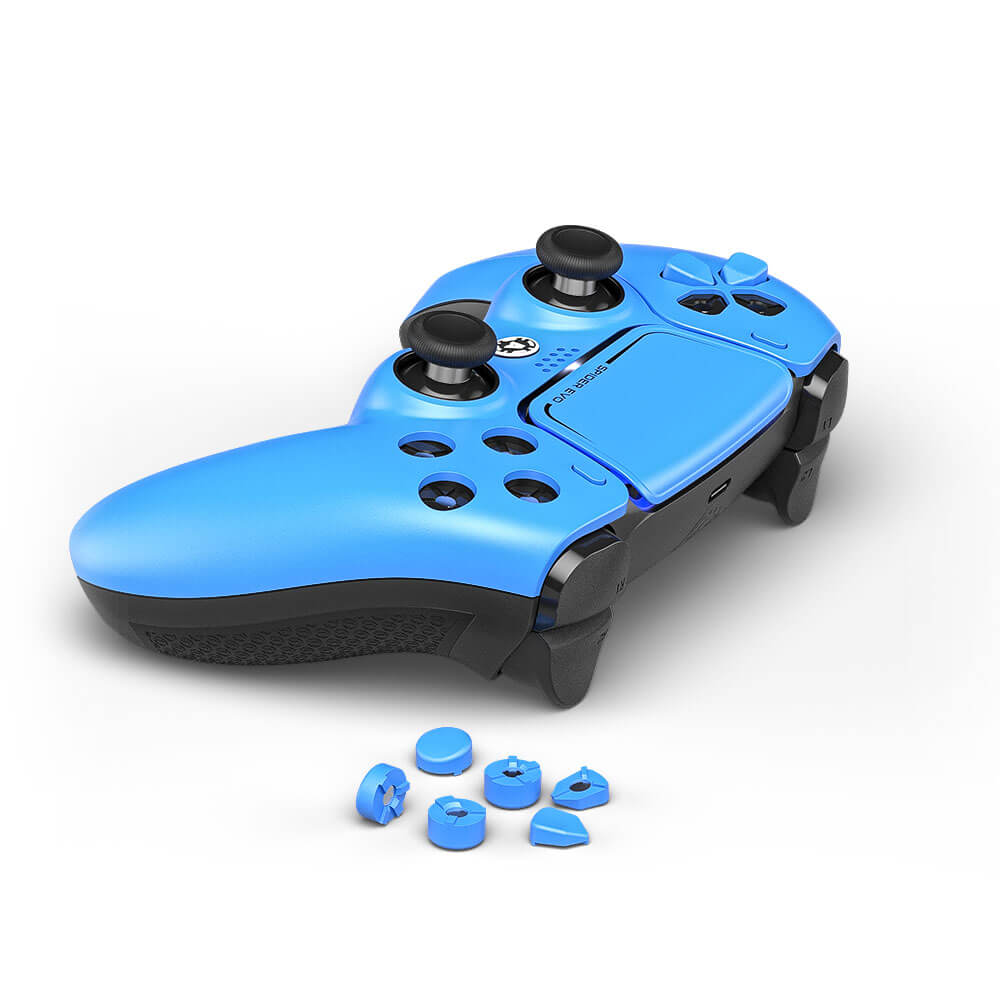
The Electric Blue Spider Evo PS5 & PC controllerbrings a bright, energetic accent to gaming setups. Its vivid blue matte finish pairs with black details to create a striking contrast, while clean Spider Evo branding keeps the look streamlined. Perfect for gamers who want bold colour with a modern aesthetic.

139,00€

Spider Evo includes:
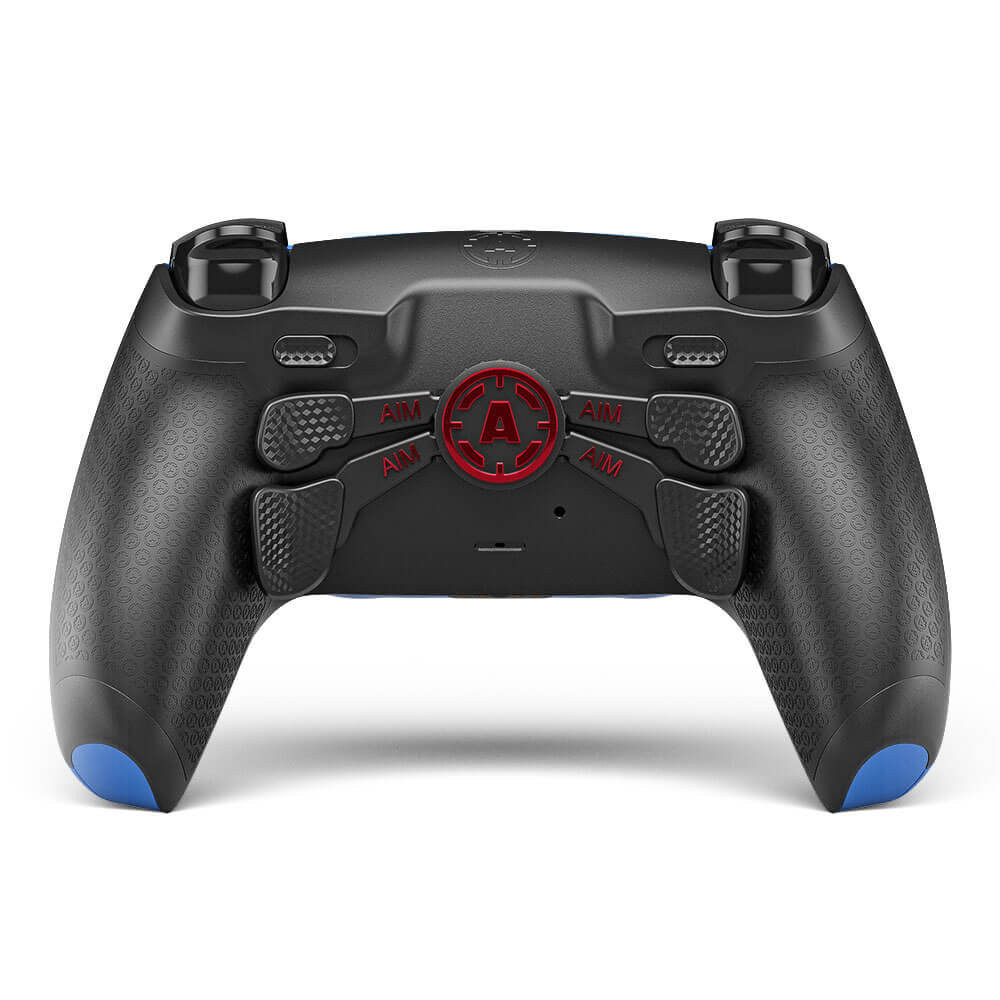
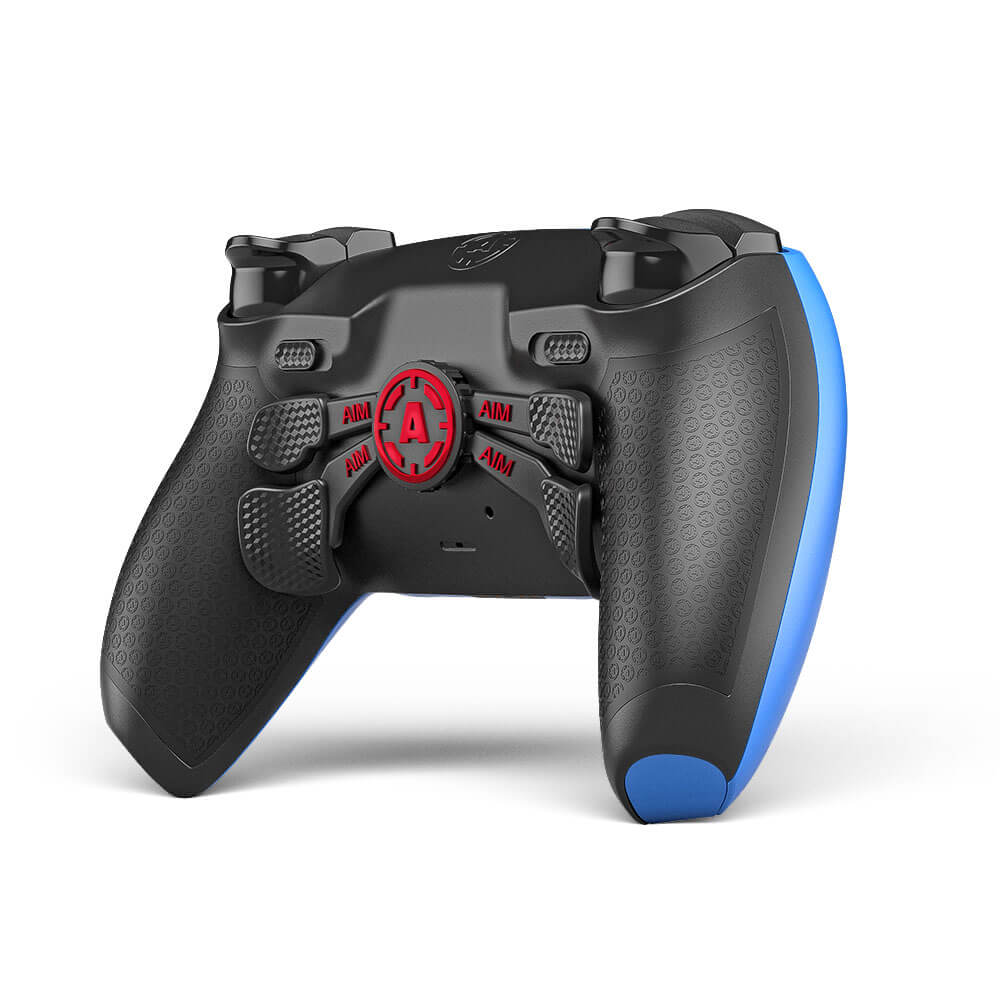
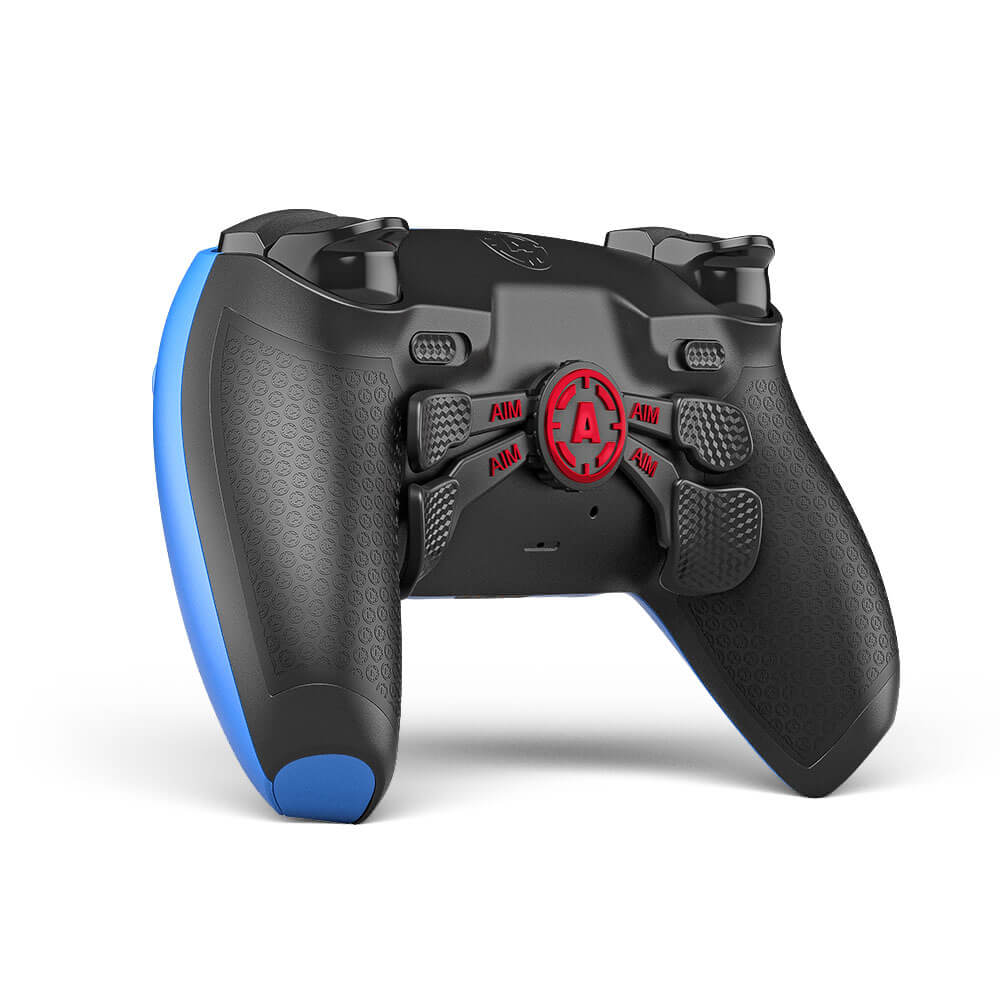
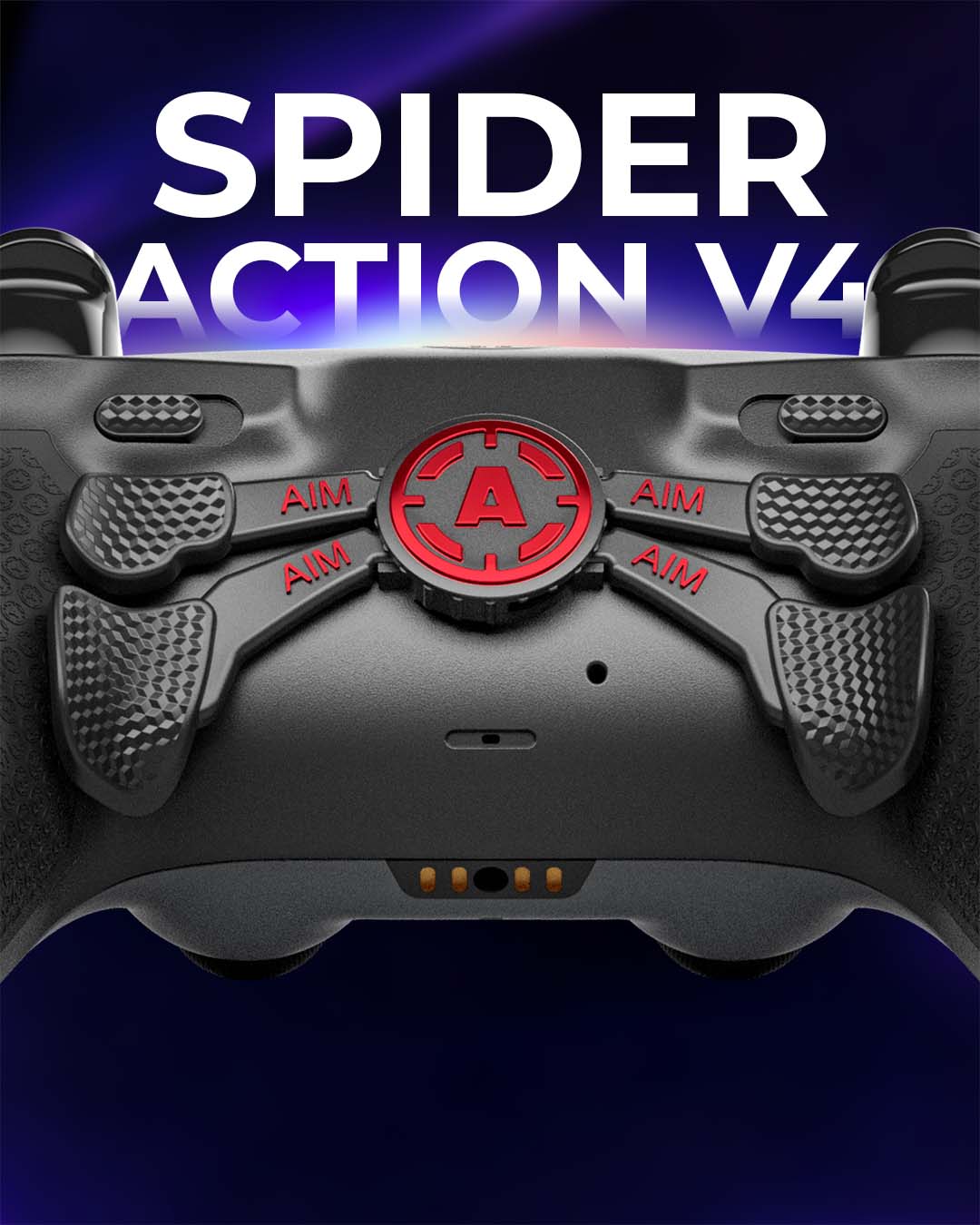
•4 remappable Spider paddles
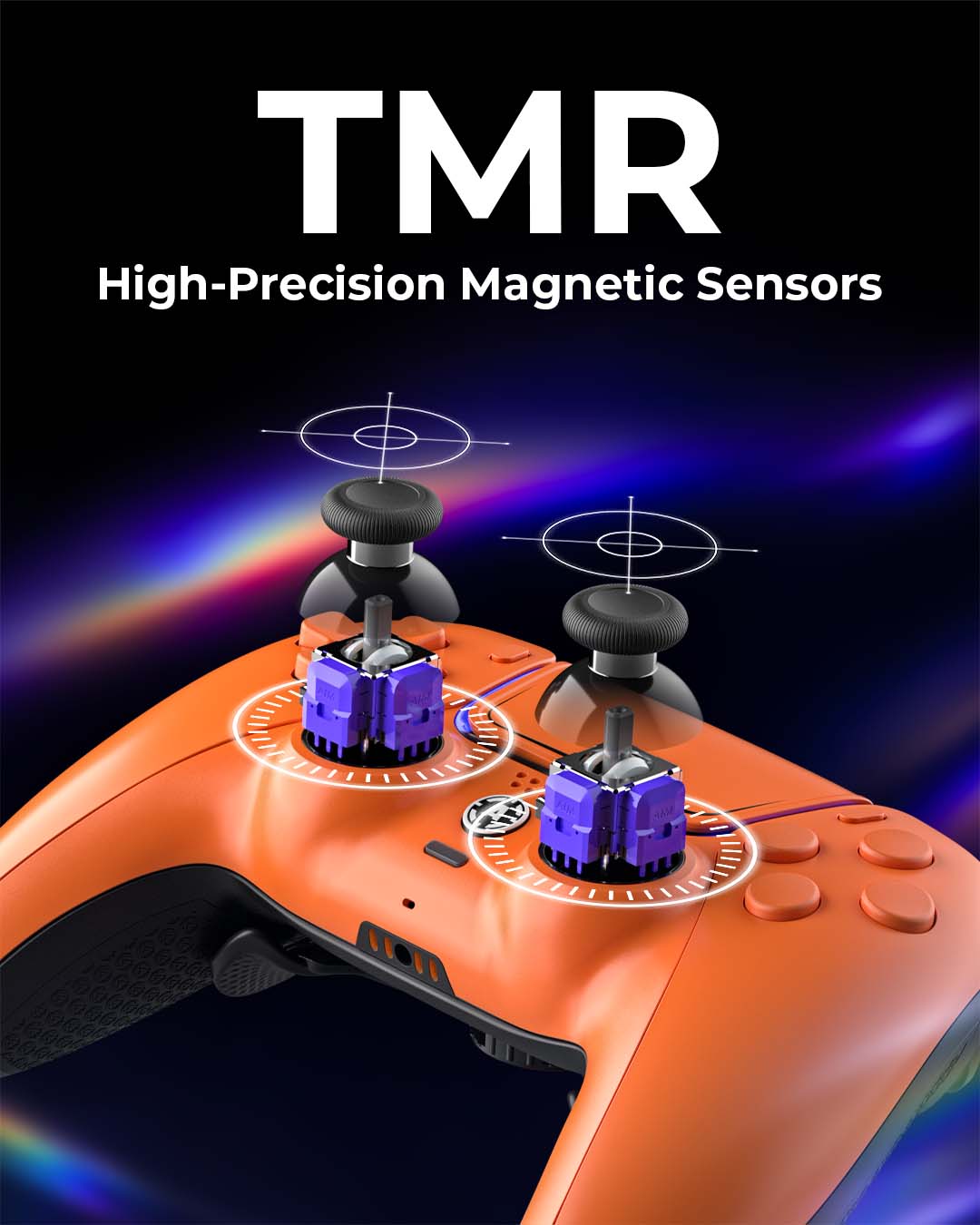
•AIM new TMR sticks
•Interchangeable sticks
•Active Triggers
•Smart Bumpers
•Digital Buttons
•Magnetic caps & D-pad
•Magnetic Snap Panel
Shipping in January 2027

Same pro features in every design

Spider Evo works on PS5 and PC

Spider Evo by AimControllers

Spider Evo Pro Gaming Controller for PS5 & PC

Four remappable back paddles, drift-resistant TMR sticks and mouse-click buttons. Every pro mod included for 139€.

4
Remappable paddles
TMR
Magnetic sticks
0.7%
Avg. circularity error
139€
Every pro mod included

PS5 and PC · Every design, same pro features · Two-year warranty

Built for how you play

One controller, three ways to play

FPS

Shooters

Jump, crouch and reload on the back paddles while your thumb stays on the aiming stick. Set the triggers to a short click for faster follow-up shots.

RACE

Racing

Switch the triggers to full analogue travel to feather the brake into a corner and ease onto the throttle on the way out.

PS5·PC

PS5 and PC

Use the same controller and the same paddle layout on your console and your PC.

Stick precision

Next-Gen TMR sticks that resist drift

Magnetic sensors, no contact wear, no calibration needed

Developed specifically for AIM, these sticks track movement magnetically, eliminating drift caused by sensor contact wear.

In our circularity test, the left and right sticks each recorded just 0.7% average error around the outer edge.

TMR high-precision magnetic sensors under the Spider Evo sticks

Spider paddles

Remappable Back Paddles

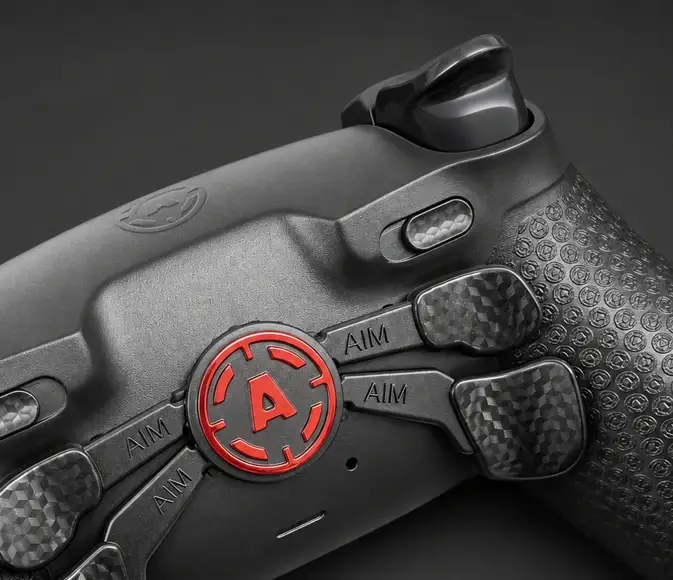
Four programmable Spider paddles bring the functions of the front buttons to the back of your controller.

Spider Action V4 back paddles on Spider Evo
4

Rear paddles

Reach each paddle from your normal grip. Jump, crouch or reload while keeping your right thumb on the aiming stick.

REMAP

Programmable inputs

Copy a face-button input to the paddle you want to use. Change one assignment or remap all four directly on Spider Evo.


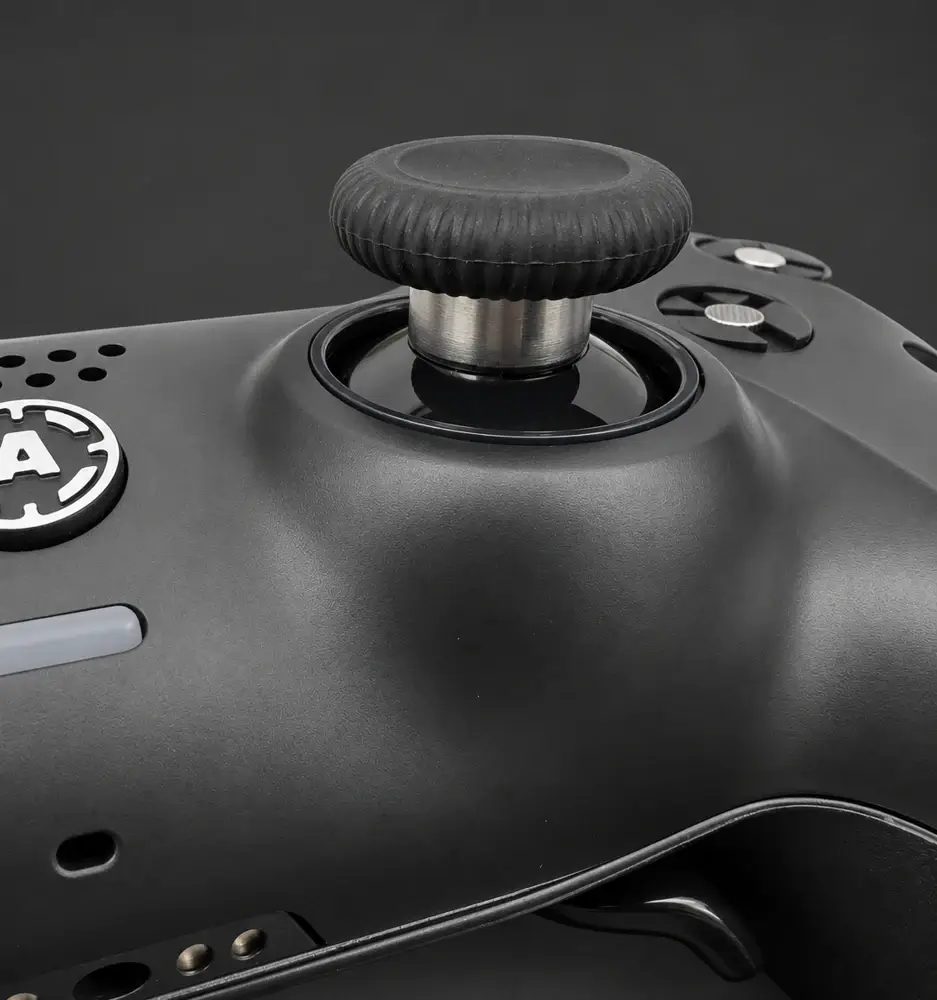
Side view of a textured interchangeable stick top
Stick height

Small or High?

Choose a textured top for each stick independently.
Small

Keeps your thumb close to the controller.
High

Adds leverage for fine aiming adjustments.

Rear trigger and travel selector on Spider Evo
Trigger travel

Active Triggers

Set the travel of L2 and R2 with the rear switches.

Short click for FPS

Use a short trigger press for quick follow-up shots with semi-automatic weapons.

Full travel for racing

Squeeze R2 gradually to accelerate out of a corner, or feather L2 as you brake into the next one.


Shoulder controls

Smart Bumpers

A short click on L1 and R1

Smart Bumpers give L1 and R1 a short, crisp click. Each tap gives you tactile feedback as you cycle equipment or use a shoulder-button action.

Smart Bumper mechanism under L1 on Spider Evo

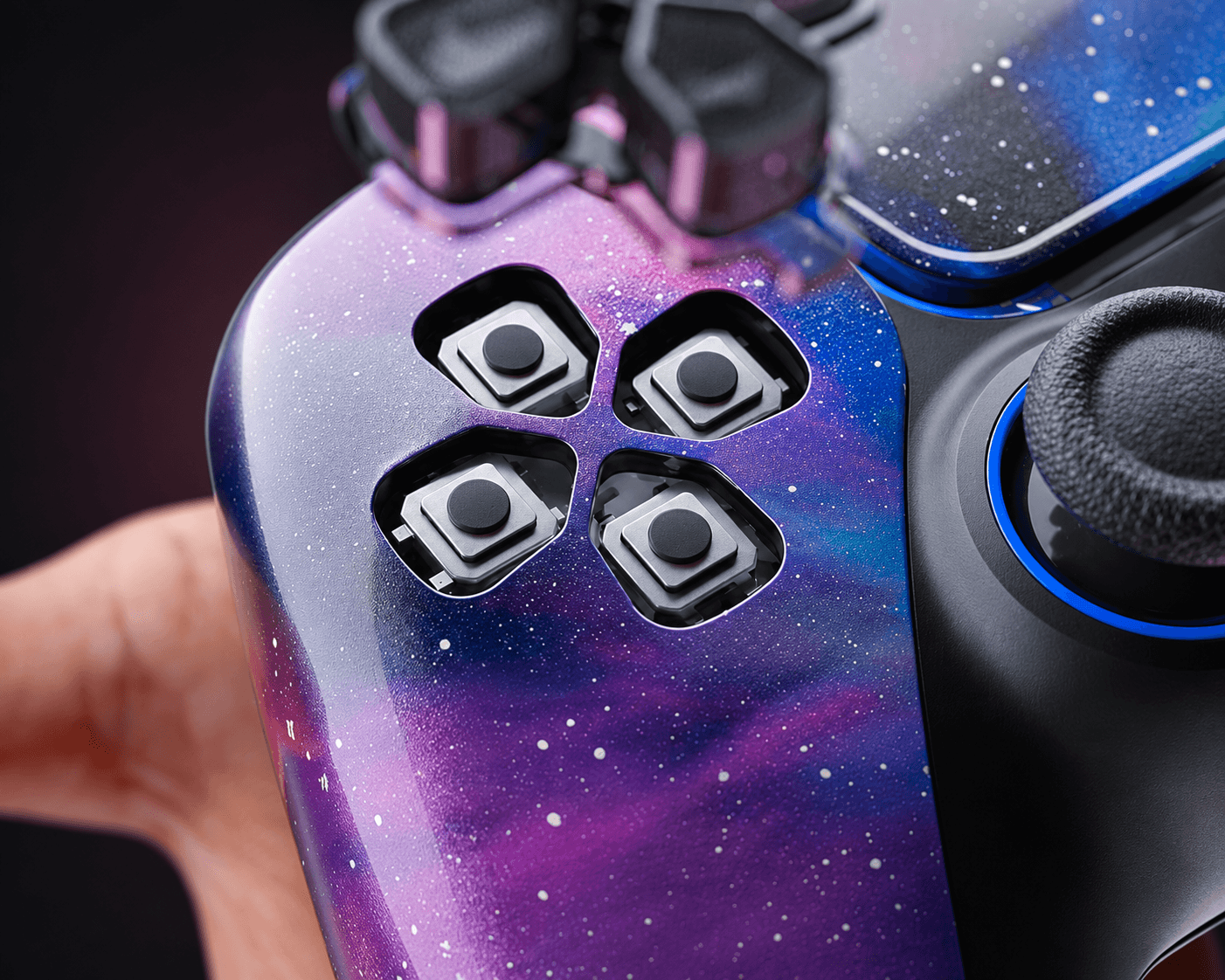
AIM Digital Buttons with mouse-click switches on Spider Evo
Face controls

AIM Digital Buttons

Mouse-click activation

A mouse-click switch beneath each of the four action buttons gives the press a short stroke and a crisp, audible click. You feel the switch engage as you press.

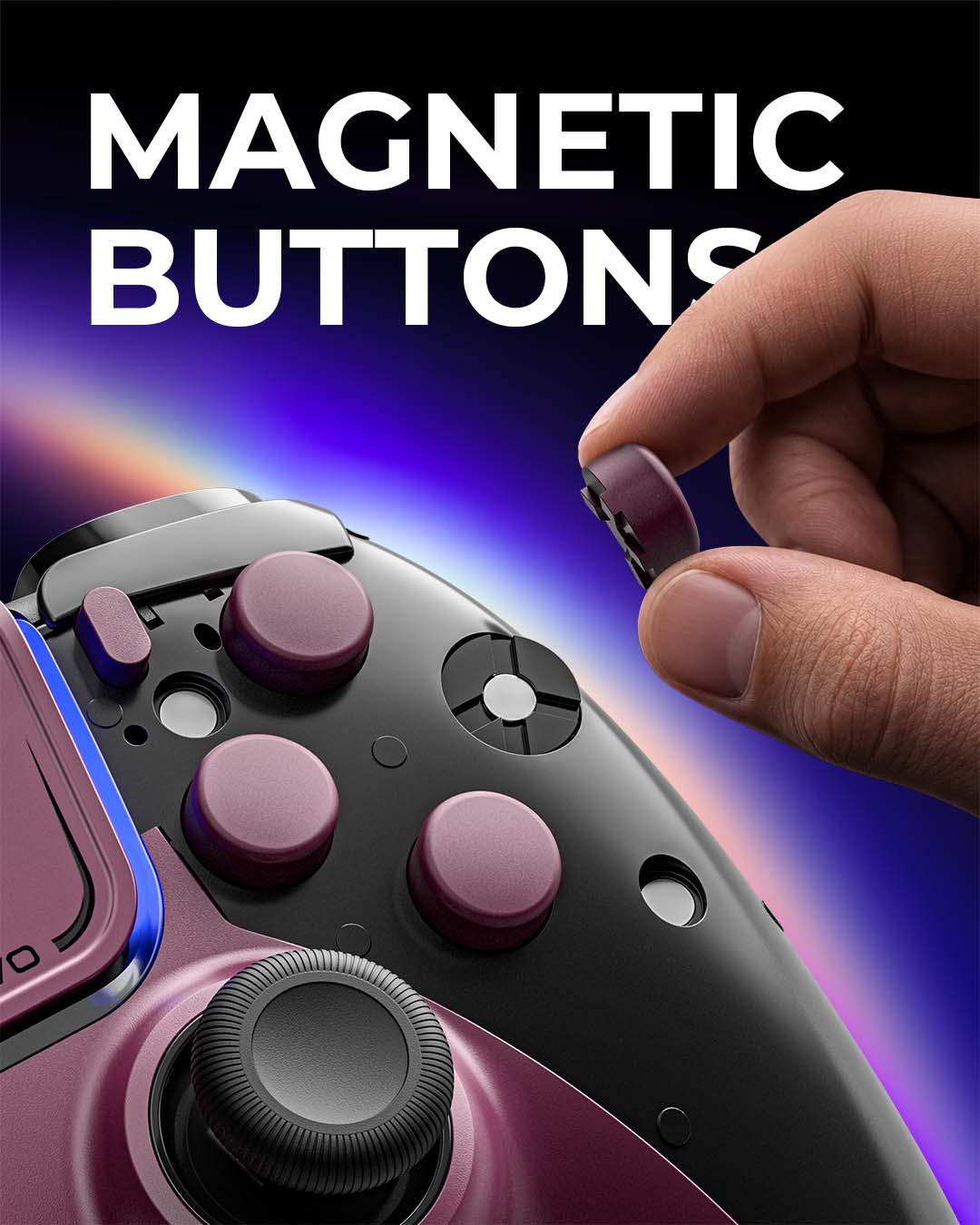
The magnetic caps lift off independently, so you can change their finish and keep the same tactile feedback.


Magnetic controls

Magnetic Buttons & D-pad

Interchangeable caps on all four action buttons

Lift an action-button cap from its magnetic mount and seat a compatible cap in its place. The D-pad is interchangeable too. The switch stays inside the controller, so changing the cap preserves the feel of each press.

Magnetic action-button cap being lifted off Spider Evo

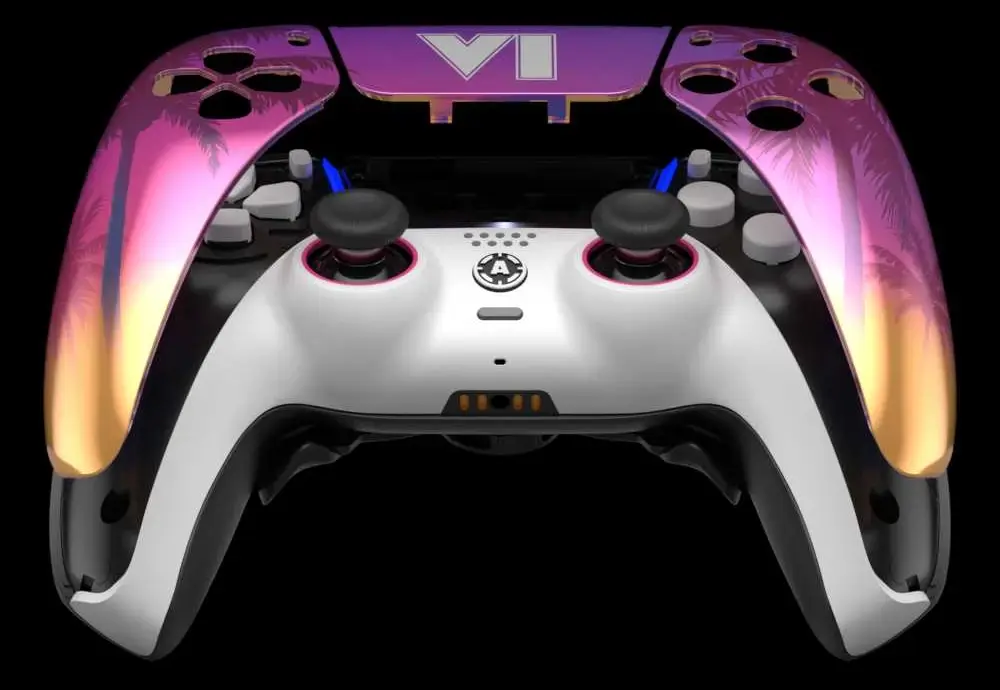
Magnetic Snap Panel lifted off Spider Evo
Faceplate

Snap Panels

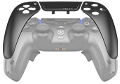
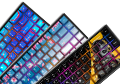
Spider Evo comes with an interchangeable magnetic faceplate. Lift off the Snap Panel and snap another compatible design into place.

Specifications

Spider Evo Gaming Controller Specifications

Explore the controls included with Spider Evo for PS5 and PC and how to use them in your favourite games.

  • PS5 and PC compatibilityUse the same paddle layout on console and PC.
  • Four remappable Spider paddlesMap jump or crouch to a rear paddle so your aiming thumb can stay on the right stick.
  • Next-gen AIM TMR sticksMagnetic sensors track stick movement without physical sensor contact, eliminating drift caused by contact wear.
  • Small and High stick topsFit a Small top for a lower thumb position or a High top for more leverage when adjusting your aim.
  • Active Triggers on L2 and R2Use a short click for semi-automatic fire in shooters or full analogue travel to control braking and acceleration in racing games.
  • Smart Bumpers on L1 and R1Short-travel switches let you activate L1 and R1 with less finger movement, helping you react faster in game.
  • Four mouse-click Digital ButtonsFeel each action-button press register when you reload, swap weapons or jump.
  • Magnetic button caps and D-padSwap the magnetic caps and D-pad to change the colour of your controls.
  • Interchangeable Snap PanelSnap on a different magnetic faceplate to give your controller a new look.
Spider Evo Gaming Controller
139€

Every 139€ controller includes four Spider paddles, next-gen AIM TMR sticks, Active Triggers and magnetic face controls.

Works on PS5 and PC · Two-year warranty


Paddle setup

How to remap a paddle

Use the paddles for the actions you reach for most. In a shooter, your layout could include:

Jump to clear cover
Crouch to drop low
Reload between fights
Swap to your secondary
On the controller · Remap in three steps
01
Enter remap mode

Hold the touchpad down and press any rear paddle at the same time. The lights around the touchpad will start flashing.

02
Assign

Press and release the button you want to assign, then press the paddle you want to assign it to. Repeat for each paddle you want to change.

03
Save

To save, press the touchpad and any rear paddle at the same time.


FAQ

Frequently asked questions

Paddles, sticks, triggers, faceplates and warranty: the answers players ask for most.

What is Spider Evo?
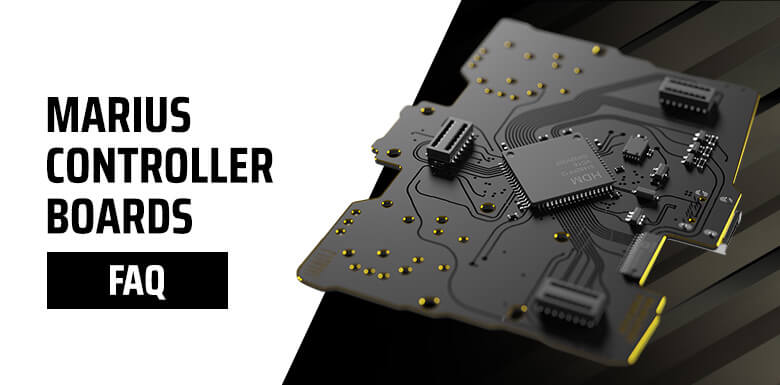
Spider Evo is our new AimControllers gaming controller for PS5 and PC. We developed our own AIM Board to make a pro controller more affordable, so more players can get features like remappable paddles, TMR sticks and Active Triggers for 139€.
How do I remap a paddle?

Hold the touchpad and any rear paddle together until the lights flash. Press and release the button you want to assign, then press the paddle that should perform it.

Repeat for any other paddles in your layout. To finish, press the touchpad and any paddle together.

Does Spider Evo have adaptive triggers?
No. Active Triggers let you switch between a short click and full analogue travel. In full-travel mode, the game can register how far you press L2 or R2. Spider Evo does not provide game-controlled trigger resistance.
Does the design change which features I get?
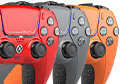
Every design includes the same paddles, sticks, triggers, bumpers and magnetic face controls. Choose the finish you prefer.
Why does 0.7% circularity error matter in game?
When you sweep the stick from straight ahead into a diagonal, you want the direction to change while the strength of your input stays consistent. In our full-travel test, both Spider Evo sticks traced a nearly round circle, each with just 0.7% average error. That means a more consistent full-stick input across directions, whether you’re sprinting forward or cutting diagonally around cover.
Which stick tops come with Spider Evo?
Every Spider Evo ships with both Small and High interchangeable stick tops in the box.
How do I change the faceplate?
Lift off the magnetic faceplate and fit a compatible Snap Panel.
Can I change the colour of the action buttons and D-pad?
Yes. The action buttons and D-pad have interchangeable magnetic caps. New cap colours will soon be available in our Accessories section.
What platforms does Spider Evo support?
Spider Evo supports PlayStation 5 and PC.
How long is the warranty on Spider Evo?
Spider Evo comes with a two-year warranty.